
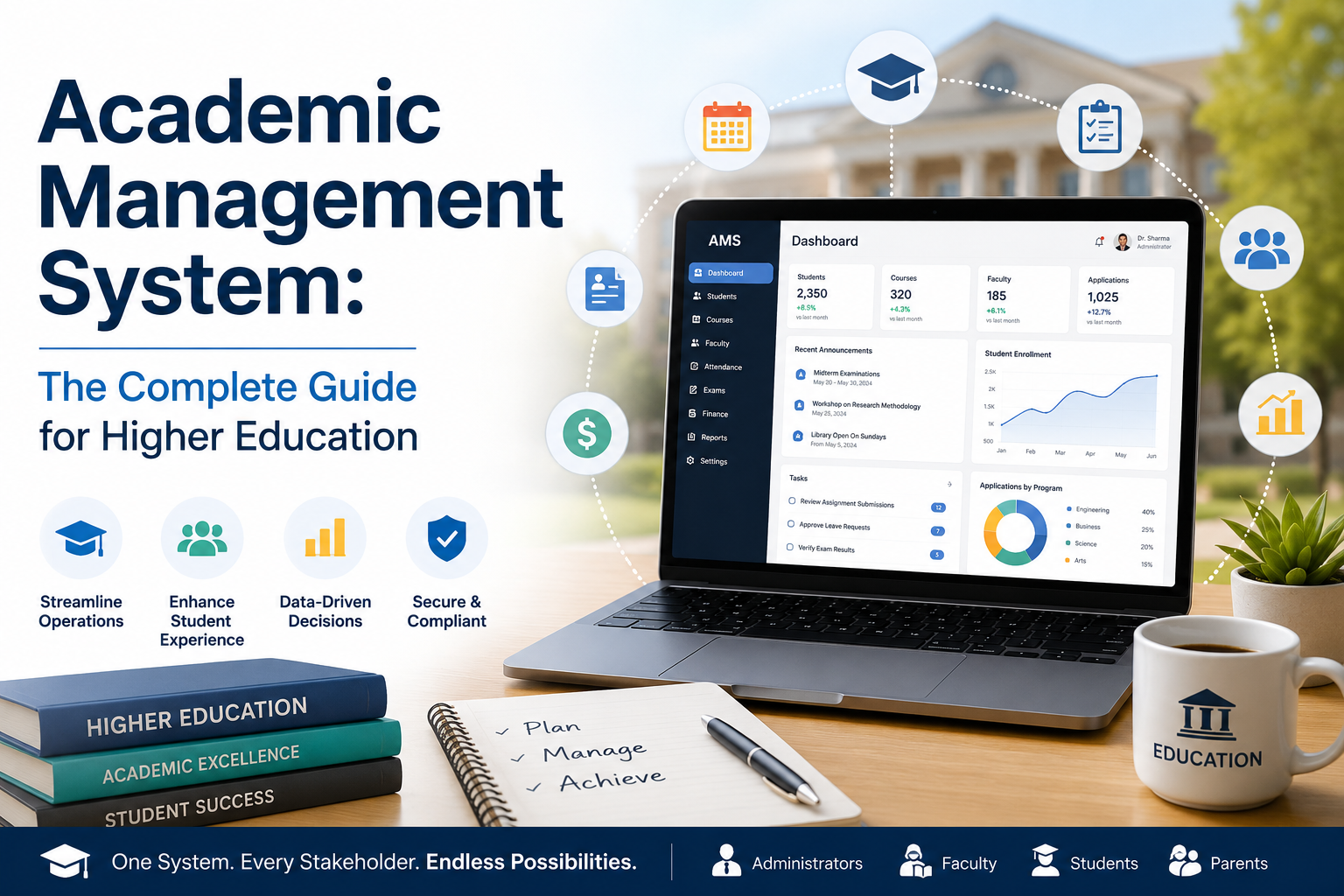
An academic management system is software that centralizes the operational and administrative layer of an educational institution student records, enrollment, course scheduling, attendance, assessments, faculty management, institutional planning documents, and reporting into one connected platform, so staff stop re-entering the same data across disconnected tools.
Educational institutions today manage complex academic operations involving students, faculty, courses, assessments, and administration. Manual systems and disconnected tools lead to inefficiency and data errors. In this guide, you'll learn what an academic management system actually does, how it differs from an LMS, which platforms handle institutional planning documents well, and how to evaluate and implement one without the process derailing your team.
What Is an Academic Management System?
An academic management system centralizes the operational and administrative layer of an educational institution into one connected platform. Student records, enrollment, course scheduling, attendance, assessments, faculty management, institutional planning documents, and reporting all live in the same system, sharing the same data, without anyone manually moving information between tools.
You'll come across several terms for this category: academic management software, academic information management system, academic operations platform, higher education administrative software, and integrated academic management system. Vendors use them interchangeably. They all describe the same thing a unified system for running the operational side of an educational institution.
The key word is connected. Most institutions don't lack tools; they lack connection between tools. There's a student information system that doesn't talk to the attendance tracker. A grade book that exports to Excel. A communication tool nobody updates consistently. Staff re-enter the same data in multiple places. Reports take days because someone has to combine exports from four different systems manually.
A complete academic information management system replaces that patchwork. When a student's attendance is recorded, it updates their academic history. When a faculty member submits grades, they flow to the transcript. When an absence crosses a threshold, an alert goes out automatically.
What it is not: an LMS (Learning Management System). An LMS like Canvas, Moodle, or Blackboard delivers course content videos, assignments, quizzes. An academic management system runs the institution. Most institutions need both; we cover the distinction in detail below.
Why Institutions Actually Adopt One
In our experience building Clast and working with institutions across multiple countries, the decision to evaluate an academic management system rarely comes from a strategic initiative. It almost always comes from a breaking point.
The reporting breakdown. A senior leader asks for a performance report. It takes two weeks to produce because the data lives in six different places, none consistent with each other. By the time the report is ready, it's out of date. This happens once, then twice, then becomes a recurring crisis.
The accreditation scramble. The accreditation visit is approaching and the institution realizes the documents it needs curriculum maps, program assessment plans, faculty workload records are scattered across shared drives, personal laptops, and email threads. What should be structured documentation becomes a two-month all-hands emergency.
The student who falls through the cracks. A student stops attending, starts failing, disengages and nobody notices until it's too late. With disconnected systems, there's no mechanism for early warning.
The staff who can't keep up. Administrative workload grows more students, more programs, more compliance requirements but headcount stays flat. Institutional knowledge ends up stored in people's heads rather than systems, which means it walks out the door when they leave.
Common Problems Without a Platform
- Paper-based processes
- Data duplication across systems
- Communication gaps between departments
- Delayed reporting
- Poor student tracking and early-warning visibility
Academic platforms eliminate these issues through automation and centralized data.
What Changes in Practice
Attendance becomes invisible work. Captured directly in the platform during class instead of spreadsheets or emails to coordinators. Absence alerts go out automatically. Institutions using Clast consistently report manual attendance time dropping to near zero.
Reporting goes from days to minutes. A semester-end report that previously took a week of manual compilation runs in minutes when the data already lives in one system and it's more accurate, because nothing is manually re-typed along the way.
Accreditation becomes a documentation exercise, not a recovery operation. When course catalogs, curriculum maps, and program assessment plans are structured inside the platform not uploaded as loose PDFs into a Drive folder they're always current, accessible, and audit-ready.
Students get help earlier. With attendance, assessment performance, and engagement data visible in one place in real time, it becomes possible to identify struggling students before the situation is serious.
Key Features and Which Ones Matter Most
Every vendor shows you a long feature list. Not all features are equal.
Student Information and Lifecycle Management
The Student Information System (SIS) is the foundation everything else is built on. A good SIS manages the complete student lifecycle from initial inquiry and admissions through enrollment, academic progression, assessment history, attendance, and graduation. If the SIS is slow or hard to query, every module built on top of it is compromised.
Before anything else, test the SIS directly: can you pull a complete academic history for any student in under 10 seconds? Can you filter simultaneously by cohort, program, enrollment status, and attendance rate? If the answer is "you'd need to ask IT to run a query," that tells you something about the architecture.
A dedicated student lifecycle management system should also track the pre-enrollment stage inquiries, applications, and admissions decisions as part of the same record, so there's no data gap between "prospect" and "enrolled student."
Assessment Management for Higher Education
A dedicated assessment management system for higher education is one of the most critical, and most varied, capabilities across platforms. Higher education assessment is structurally complex: multiple grading schemes running simultaneously across different programs, external moderation requirements, GPA calculations with varying credit weights, and transcript generation for transferring or graduate-bound students.
What to look for: configurable grading schemes (not just A–F), rubric management with reuse across faculty, grade moderation workflows, automatic GPA and credit hour calculation, and the ability to pull assessment data directly into program-level outcome reports for accreditation.
Faculty Management Software Capabilities
Strong faculty management software covers more than timetabling: workload allocation, contract types, subject assignments, performance tracking, and cross-department scheduling. For institutions with large or complex faculty teams, keeping this inside the same system as student records rather than split across HR software and spreadsheets makes scheduling easier and gives department heads a clearer operational picture.
A faculty management system worth adopting should let you see, in one view, who's teaching what, at what load, across which departments, and flag overload or under-allocation automatically.
Institutional Planning Document Management
This is where most platforms are weakest, and where the gap between good and mediocre is biggest. Every platform stores documents. Very few manage them properly. We cover this in depth in the dedicated section below.
Campus Management and Real-Time Analytics
A good campus management platform layer covers room and resource scheduling, campus communications, event management, and cross-department coordination not just individual module tracking. Combined with real-time analytics that surface student risk signals and operational KPIs, administrators can act on what's happening now rather than what happened last month.
All-in-One vs Modular Architecture
Some institutions want an all-in-one education management platform where every function SIS, assessment, attendance, faculty management, communications, planning documents is available in a single product. Others prefer a core platform that integrates cleanly with specialist tools they already use. Neither is inherently right. What matters is whether data flows automatically between whatever modules you're running, and whether you have a single source of truth for student and institutional data.
Academic Management System vs LMS
This is one of the most common points of confusion during evaluations, and it costs institutions time and money.
An LMS Canvas, Moodle, Blackboard, Google Classroom is built to deliver learning. It's where course materials live, assignments are submitted, and quizzes run. It answers: how do we deliver teaching?
An academic operations platform answers a different question: how do we run the institution? It covers enrollment, student records, attendance, scheduling, faculty management, planning documents, and reporting the operational foundations that make teaching possible, but that the LMS doesn't handle.
| Task | Right Tool |
|---|---|
| Deliver course content and assignments | Academic management system |
| Track attendance | Academic management system |
| Run institutional accreditation reporting | Academic management system |
| Manage faculty workload and timetabling | Academic management system |
| Generate official transcripts | Academic management system |
| Store and manage institutional planning documents | Academic management system |
| Host lecture videos, quizzes, and assignments | LMS |
| Track program-level learning outcomes | Academic management system |
Most institutions need both. The question is whether they integrate cleanly — enrollment data syncs, grades flow back, and there's no manual export/import between systems. During any platform demo, ask specifically how the academic management system syncs with your LMS, how grades flow back, and what happens when records conflict between both systems. This is where clean-looking integrations break down in practice.
For a detailed look at how an integrated ERP handles these workflows, see how Clast ERP transforms educational management systems.
Platforms for Institutional Academic Planning Documents
This is the single most common question we get from higher education administrators, and it's the topic search data shows people actively researching right now — so it deserves a direct, complete answer.
What counts as an institutional academic planning document?
- Course catalogs — the authoritative record of programs and courses offered
- Curriculum maps — linking courses to program learning outcomes
- Program assessment plans — used for continuous improvement and accreditation
- Academic policies — grading standards, appeals procedures, academic standing rules
- Faculty workload and teaching allocation records
- Academic planning and scheduling documents — term calendars, timetables, room assignments
- Accreditation self-study documents and supporting evidence
Which platforms actually handle these well?
Purpose-built academic management solutions for higher education — not general-purpose tools.
Tools like Google Drive, Notion, or SharePoint can store these documents. They cannot manage them, and the difference matters enormously at accreditation time.
Storage means the document is uploaded and lives somewhere.
Management means the document has a version history, access is controlled by role, there's a defined review and approval workflow, and it connects to your reporting. When an accreditor asks for the current approved version of your Program Assessment Plan for a specific degree, you can produce it in one click with a full audit trail.
Questions to ask any vendor:
- When a curriculum map is updated, how does the system track who changed it and what the previous version contained?
- If a faculty member needs to view but not edit a course catalog, how is that access controlled?
- How do planning documents connect to your accreditation reporting module?
- If we need to pull all documents related to a specific program for an audit, how long does that take?
The answers will tell you quickly whether the platform was genuinely built for higher education or whether document management was added as an afterthought.
See how Clast ERP transforms educational management systems for a practical look at how integrated planning document management works in production.
Academic Catalog and Curriculum Management
An academic catalog management system is the module that maintains your authoritative list of programs, courses, prerequisites, and credit values — and keeps it synchronized with everything downstream: enrollment rules, degree audits, and transcripts.
Two things separate a real catalog management system from a static PDF or spreadsheet:
- Version control by term. A course description or prerequisite can change between academic years without breaking historical transcripts for students who took it under the old catalog.
- Structured relationships, not free text. Prerequisites, corequisites, and credit-hour rules are stored as data the system can enforce during registration, not just described in a document a human has to read.
A higher ed catalog management system that does this well eliminates one of the most common accreditation findings: a published catalog that no longer matches what's actually being taught.
Student Lifecycle and Campus Management
A student lifecycle management system tracks a student from first inquiry through graduation and alumni status, not just from the day they enroll. That matters because early-stage data — how a student was recruited, what they were told, what they applied for — often explains later-stage problems that look unrelated at first glance.
A campus management platform extends this to the physical and operational side of the institution: room and resource booking, event scheduling, cross-department communication, and facility utilization. For multi-campus institutions, this is what prevents double-booked rooms and conflicting event calendars between departments that don't otherwise talk to each other.
Together, lifecycle and campus management give administrators one place to answer both "where is this student in their journey?" and "where is this class actually happening, and who has access to that room?"
Faculty Management and Knowledge Management
We covered core faculty management capabilities above. Two related needs come up constantly during evaluations:
Content and knowledge management for higher education. Institutions accumulate an enormous amount of internal knowledge — policy documents, procedural guides, department wikis, training materials — that isn't a "planning document" in the accreditation sense but still needs version control and role-based access. A knowledge management system for colleges and universities that's separate from your core platform tends to become another silo. Look for platforms where this content management capability is a module of the same system, not a bolted-on third-party tool.
Syllabus management. A syllabus management system should let faculty submit syllabi against a required institutional template, route them for department-head approval, and archive prior versions automatically — so "which syllabus was actually used in Fall 2025" is a one-click answer, not an email search.
Education Data Management Platforms: What to Expect
An education data management platform is sometimes discussed as if it's a separate category from an academic management system. In practice, it's a capability every serious academic management system should already include, not a separate purchase.
What it means in practice:
- A single, queryable data model across students, courses, faculty, and attendance — not siloed exports
- Role-based dashboards so a registrar, a dean, and an IT administrator see different views of the same underlying data
- Data retention and audit logging that satisfies FERPA, GDPR, or your regional equivalent
- Export and API access so institutional research offices can build their own analysis without waiting on IT
Why it matters: institutions that treat "data management" as a bolt-on tool end up with the exact fragmentation problem an academic management system is supposed to solve in the first place — data living in one more disconnected place.
Who Should Use an Academic Management System?
Any institution where operational complexity has outgrown what spreadsheets and disconnected tools can reliably handle.
Universities and colleges are the clearest use case. Multiple faculties, shared resources, complex program structures, accreditation obligations, and thousands of students make a centralized academic institution management system an operational necessity rather than a nice-to-have.
Language institutes and academies — Clast's original focus — face distinct challenges: intensive programs, rotating cohorts, students moving between levels, certificate tracking, and corporate clients who expect regular progress reports.
K–12 schools with meaningful complexity — multiple campuses, large enrollments, active parent communication expectations — benefit significantly from centralized attendance, communication, and grade management.
Vocational and training institutes where certification tracking, student lifecycle documentation, and compliance reporting are mission-critical.
A simple self-diagnostic: could the people responsible for your most critical administrative processes go on leave for two weeks without their absence causing a data problem? If no, your institution is running on knowledge stored in people rather than systems — a risk that compounds over time.
How to Evaluate Platforms Without Getting Burned
Most platform evaluations go wrong the same way — driven by feature checklists rather than problem-specific tests.
Define your three biggest operational problems specifically. Not "we need better reporting." That's too vague. "It takes our registrar 12 hours to produce the monthly academic progress report because she manually combines data from three systems" is testable. During your demo, ask the vendor to show exactly how their platform solves that scenario.
Test the interface with the people who will actually use it. Not the IT director — the faculty member who isn't tech-comfortable, and the administrative coordinator who'll be in the system six hours a day. If they navigate it without a guide within 20 minutes, adoption risk is manageable.
Ask hard questions about data migration. "What does your typical migration project look like, and what usually slows it down?" If the answer is "it's straightforward and quick," be skeptical.
Talk to references unsupervised. Ask to speak with them without the vendor on the call. "What didn't go as expected? What would you do differently?" The answers will be more revealing than any demo.
Check compliance documentation for your region. If you operate under FERPA, GDPR, PDPA, or an equivalent framework, don't accept verbal compliance assurances — ask for documentation and ask where data is stored and under what jurisdiction.
On pricing and subscription packages: most academic operations software subscription packages include educational discounts that aren't listed publicly. Cloud-based SaaS pricing is now the standard model, typically billed per student, per user, or as a flat institutional rate by tier.
Implementation: What Nobody Tells You
The platform is the easy part. Implementation is where most projects succeed or fail.
Data migration takes longer than any vendor will admit. The problem isn't transferring data — it's that legacy data is often incomplete, inconsistent, or structured in ways that don't map to the new platform. Student IDs that don't match across systems. Course codes that changed three times over a decade. Plan for data cleaning to take two to three times longer than your initial estimate.
Adoption is a change management problem, not a training problem. What creates adoption is involving end users in the selection process, training in the context of their actual workflows, and having a designated internal champion per department. Institutions that skip this end up with shadow systems — people who technically have access to the new platform but keep using spreadsheets.
Phase the rollout. Switching every module and department at once is high-risk. Start with the one or two workflows that are most painful and most visible — usually attendance or reporting.
Support responsiveness matters more than the feature list. After go-live, you're dependent, not just evaluating. Ask specifically: What are your response time commitments for critical issues? Do we have a named account manager? What happens if there's a data issue outside business hours?
How to Choose the Right Academic Management System
Cloud-based infrastructure
A cloud-based academic management system means faculty, students, and administrators can access it from anywhere — and you're not managing servers or on-premise updates. For most higher education institutions today, cloud-based is the right default.
An interface people will actually use
Adoption is the biggest risk in any platform rollout. Before committing, test the interface with real end-users, not just the IT team.
Integration with your existing tools
Your academic management system needs to connect cleanly with your LMS, finance system, HR software, and communication tools. Ask vendors specifically about integration capabilities and whether they require custom development.
Security and data compliance
Confirm the platform provides encryption, role-based access controls, audit logging, and compliance with the privacy regulations relevant to your region (FERPA, GDPR, and similar). Ask for documentation, not a verbal assurance.
Flexibility to match your workflows
The best academic management systems let you configure workflows — approval chains, reporting dashboards, academic calendar structures — without needing a developer every time something changes.
Pricing and subscription packages
Look for academic operations software subscription packages with pricing tiers that match your institution's size, and ask directly about educational discounts. Many vendors offer meaningful reductions for non-profits, public institutions, or institutions in early growth stages — but you usually have to ask.
Conclusion
A modern academic management system is the operational backbone of a well-run educational institution. It's not about adding technology for its own sake — it's about giving administrators, faculty, and students the tools they need to do their jobs without fighting their infrastructure.
For higher education institutions still running on spreadsheets, disconnected software, or manual processes, the gap between where they are and where they need to be is widening. The institutions getting ahead aren't necessarily the ones with the biggest budgets — they're the ones that invested in the right systems early and built operational processes around them.
The right education management platform centralizes your institutional academic planning documents, gives your team real-time visibility into student performance, and automates the routine work that currently consumes everyone's time.
If you're evaluating academic operations software, focus on three questions: Does it actually solve your biggest operational problems? Will the people who use it every day find it usable? And can it scale as your institution grows?
Those three questions cut through a lot of vendor noise.