
A teacher calls in sick at 7:40 a.m. Her leave request sits in an email inbox nobody has opened yet. Her class has no cover. Her attendance record the one that's supposed to feed into this month's payroll is now wrong. Multiply that by 60 staff, three campuses, and a term calendar that changes every few weeks, and you have the actual, daily reality of school HR: not a "people function" in the corporate sense, but the operational nerve center that decides whether classes get taught, staff get paid correctly, and the school survives its next inspection.
Most HR software wasn't built for that. It was built for offices that run Monday-to-Friday, nine-to-five, on a January–December calendar, with one location and one set of contracts. Schools run on terms, timetables, substitute cover, safeguarding checks, and pay that changes with teaching hours. That mismatch is why so many schools end up running HR across four disconnected tools: a spreadsheet for staff records, an email chain for leave, a biometric device with its own portal for attendance, and an outsourced bureau for payroll none of which talk to each other.
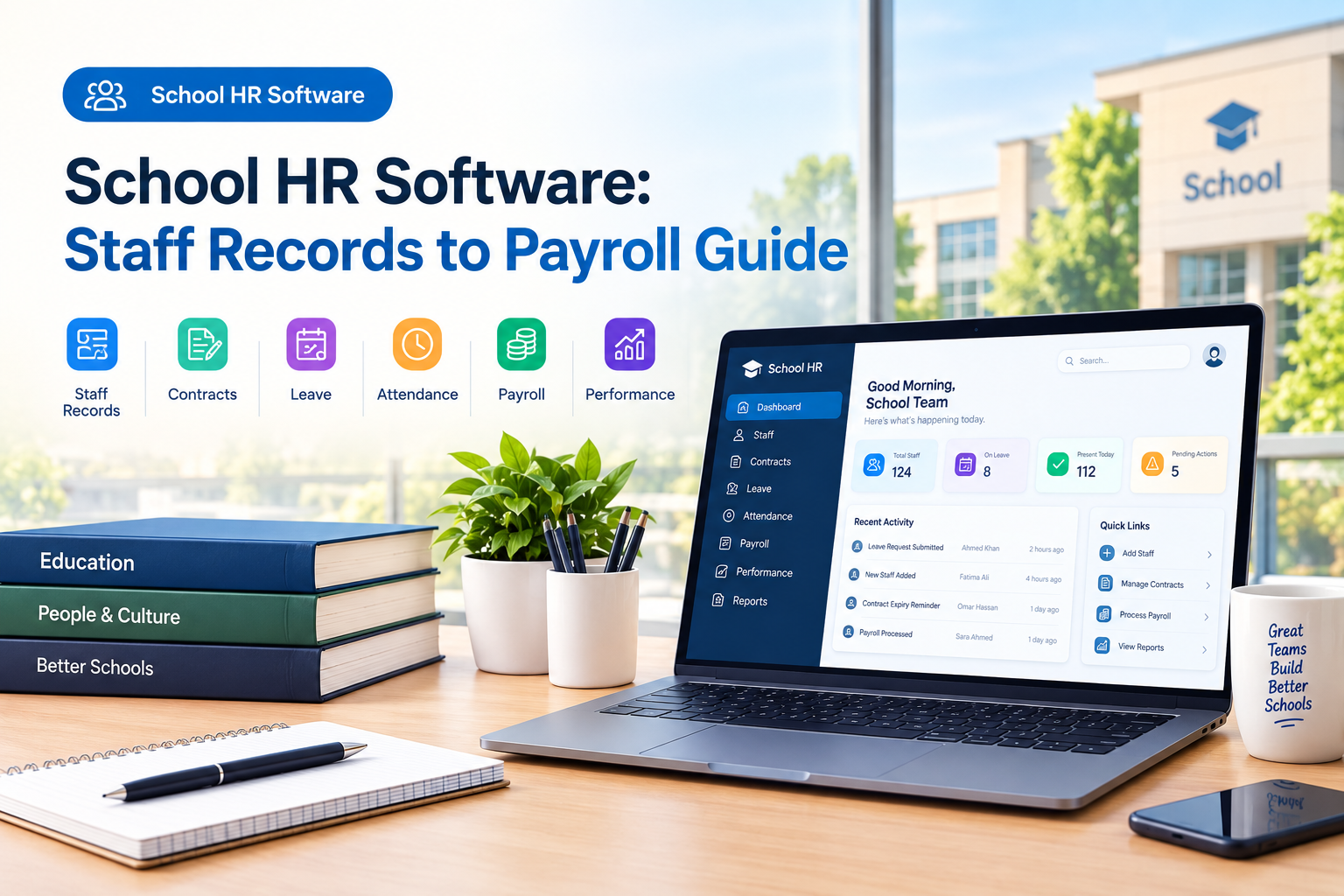
This guide breaks down what school HR software actually needs to do staff records, contracts, leave, attendance, payroll integration, and performance and how to evaluate it properly, whether you run a single primary school or a multi-campus academy trust.
What Is School HR Software?
School HR software is a digital system that centralizes the entire staff lifecycle for an educational institution from onboarding and contracts through leave, attendance, payroll, and performance evaluation in a structure built around how schools actually operate: terms and semesters, timetabled teaching hours, substitute cover, safeguarding and qualification compliance, and (often) multiple campuses under one trust or group.
It differs from a generic HRMS or corporate HR platform in a handful of specific ways:
- It understands the academic calendar. Leave requests are checked against the timetable, not just a shared calendar, because an approved absence with no cover means an empty classroom.
- It tracks credentials, not just documents. Teaching certifications, safeguarding checks, and license renewals need expiry alerts, not a generic "documents" folder.
- Pay follows teaching hours. Payroll for teaching staff is often built from verified attendance and delivered sessions, not a flat monthly salary line.
- It's built for many small "departments." A school HR system usually needs to serve a principal, an HR manager, a finance manager, and every classroom teacher each seeing a different slice of the same data.
Why Generic HR Software Falls Short for Schools
Corporate HRMS platforms are excellent at what they're built for: single-location, single-calendar organizations with static job structures. Schools break nearly every one of those assumptions.
| What a corporate HRMS assumes | What actually happens at a school |
|---|---|
| One workplace, one shift pattern | Multiple campuses, term-time-only staff, split contracts |
| Leave approval is a scheduling nicety | Leave without cover means an uncovered class |
| Pay is a flat monthly salary | Pay is built from teaching hours, overtime, and academic-year increments |
| Compliance means HR policy sign-off | Compliance means safeguarding checks, DBS/background checks, and teaching qualification records |
| Performance reviews run on a fixed annual cycle | Evaluation cycles map to pedagogy, terms, and classroom observation |
That gap is exactly where education-specific systems earn their place. Platforms like Clast.io an all-in-one school management system that connects admissions, attendance, grading, fees, HR, transport, and communication in one platform are structured around the academic calendar from day one, rather than bolting a "staff module" onto a generic corporate ERP.
The Six Pillars of School HR Software
Every serious school HR platform needs to cover six connected areas. Treat any one of them as optional, and you're back to spreadsheets within a term.
1. Staff Records & Digital Personnel Files
This is the foundation everything else builds on: one searchable, permission-controlled profile per staff member, covering qualifications, certifications, emergency contacts, employment history, and documents.
What a proper staff records system should include:
- Centralized profiles for teaching and non-teaching staff, with role, department, campus, and reporting line
- Document archive with version history contracts, certificates, ID, background-check results
- Expiry alerts on anything time-bound: teaching licenses, safeguarding checks, work permits, first-aid certifications
- Role-based access so a teacher's medical notes or salary history aren't visible to colleagues who don't need to see them
If you want a deeper walkthrough of legal retention requirements, access controls, and digitization best practices, our guide to student records management covers the same principles applied to student files the compliance logic is nearly identical for staff records.
The cost of getting this wrong: the certificate that lives in "a WhatsApp forward from three years ago" is the single most common reason schools fail a credential check during inspection not because the qualification doesn't exist, but because nobody can produce it on demand.
2. Contract Management
Schools run more contract types than almost any other employer: full-time permanent, part-time, term-time-only, fixed-term (maternity cover, sabbatical replacement), hourly-paid visiting teachers, and support staff on different pay scales entirely.
A school HR system should let you:
- Generate and store contracts digitally, with e-signature and a version history
- Track contract type, start/end dates, and renewal windows especially for fixed-term and probationary contracts
- Flag contracts nearing expiry automatically, so nobody discovers a lapsed agreement mid-term
- Link contract terms to pay scale and working pattern, so payroll doesn't have to be told twice
Term-time-only and split contracts are where generic HR tools usually break down, because they assume a standard 12-month working pattern. A school-specific system should let a support staff contract that runs 39 weeks a year sit in the same database as a 12-month permanent teaching contract, without manual workarounds.
3. Leave Management (With Timetable Awareness)
Leave is the pillar where the gap between corporate and school HR software is widest. In an office, an approved day off just means someone's out. In a school, an approved day off means a class needs a substitute, or it doesn't get taught.
What good leave management actually looks like for a school:
- Digital leave requests with real-time balance tracking, so nobody's guessing how many days someone has left
- Timetable conflict checks before approval the system should flag which classes go uncovered before HR clicks "approve," not after
- Leave-type breakdown: sick leave, personal leave, professional development, exam duty, jury duty, and unpaid leave should be tracked separately, since each affects pay and reporting differently
- Automatic sync to attendance and payroll once leave is approved, so nobody has to re-enter the same absence twice
Research on teacher absence backs this up: national U.S. data shows roughly 15% of teachers move schools or leave the profession entirely within a single year, and a large share of day-to-day absence is planned rather than random exam duty, training, medical appointments. That means the real lever for a school isn't policing attendance; it's making planned absence easy to cover in advance. A good attendance system that talks to leave and payroll in real time is what turns "who's covering period 3" from a morning scramble into a solved problem.
4. Attendance Tracking (Staff, Not Just Students)
Most "school attendance" content online focuses on students. Staff attendance is just as critical it's the input that drives substitute coverage, teaching-hours verification, and, in many schools, payroll itself.
A school HR system's staff attendance features should include:
- Multiple capture methods: biometric fingerprint, face recognition, QR code, NFC card, or manual roll call schools rarely standardize on just one method across every campus
- Real-time dashboards showing who's in, who's absent, and who's late, by campus and department
- Teaching-hours logging, capturing subject, class, and duration per session not just a clock-in/clock-out timestamp
- Offline capability, since biometric devices and connectivity aren't guaranteed at every site
- Direct sync to payroll, so late arrivals, overtime, and absence deductions calculate automatically instead of through a manual reconciliation at month-end
For a full breakdown of methods, accuracy trade-offs, and rollout steps, see our complete guide on how to manage school attendance online.
5. Payroll Integration
This is where most of the "spreadsheet bridge" problems in schools actually live. Payroll for school staff isn't just "multiply salary by 12." It has to account for:
- Attendance-based teaching hours, especially for hourly-paid and visiting staff
- Overtime and late deductions, calculated from verified attendance rather than self-reported timesheets
- Academic-year pay revisions, where increments are approved partway through a term but backdated to the start of the session creating arrears that need recalculating against tax and statutory deductions
- Multiple pay structures across one trust, where different branches or contract types run different scales
- Statutory compliance: tax withholding, social insurance/pension contributions, and any region-specific reporting requirements
The most important design question to ask any vendor here isn't "does it have payroll" it's "does payroll pull from verified attendance automatically, or does someone re-key hours from a separate system every month?" That single answer separates a connected HR platform from a bolt-on payroll module. On Clast.io, teaching hours flow directly from attendance into payroll with no separate timesheets late deductions and overtime calculate automatically, and finance gets a live monthly dashboard instead of a month-end reconciliation.
6. Performance Management
Teacher and staff evaluation in a school looks different from a corporate annual review. It needs to map to pedagogy, classroom observation, and professional development not generic KPIs borrowed from a sales team template.
What to look for:
- Role-based evaluation cycles, with different rubrics for teaching staff, administrators, and support roles
- Structured rubrics covering pedagogy, punctuality, communication, and professional growth
- Observation and comment history visible to authorized evaluators, building a longitudinal record rather than a single annual snapshot
- Links to teaching-hours and attendance data, so a review isn't disconnected from the operational record of how someone actually performed day to day
Comparing School HR Software to General HR Tools & Spreadsheets
| Capability | Spreadsheets & email | Generic corporate HRMS | Education-specific school HR software |
|---|---|---|---|
| Staff records | Manual, error-prone, no version history | Centralized but generic fields | Centralized, education-specific (qualifications, certifications) |
| Contracts | Paper or scattered PDFs | Basic e-signature, generic templates | Term-time, fixed-term, and split-contract support built in |
| Leave | Email approval, no visibility into coverage | Calendar-based approval only | Approval checked against the live timetable |
| Attendance | Paper registers or standalone biometric portal | Clock-in/out only | Multiple methods, teaching-hours logging, offline sync |
| Payroll | Manual reconciliation between systems | Standard payroll, no attendance link | Payroll built directly from verified attendance |
| Performance | Annual paper form | Generic KPI-based reviews | Rubric-based, education-specific evaluation cycles |
| Multi-campus support | Not scalable | Often requires separate instances per entity | Branch-scoped by architecture, one shared database |
Must-Have Features Checklist
Use this as a working checklist when you demo any platform:
- Centralized, searchable staff profiles with document version history
- Expiry alerts for certifications, licenses, and background checks
- Digital contract generation and e-signature, with support for term-time and fixed-term contracts
- Leave requests that check timetable conflicts before approval
- Real-time leave balance tracking by leave type
- At least two staff attendance capture methods, with offline fallback
- Teaching-hours logging by subject, class, and duration
- Payroll that pulls directly from verified attendance no manual re-entry
- Support for multiple pay structures across branches or contract types
- Role-based performance evaluation cycles with rubrics
- Role-based data access and permissions
- Multi-campus / multi-branch architecture, not a bolt-on workaround
- Mobile access for staff self-service (leave requests, payslips, schedules)
- Data migration support for existing staff, fee, and payroll records
How to Choose the Right School HR Software
1. Map your actual pain points before you take a single demo. Is your worst monthly problem substitute coverage, payroll reconciliation, or missing certification records at inspection time? The answer changes what you weight most heavily.
2. Count your campuses and contract types. A single school with 30 staff on uniform contracts has different needs than a trust running six branches with mixed pay scales. Multi-branch architecture that's genuinely built in not a separate instance per site matters more as you scale.
3. Ask specifically how payroll connects to attendance. This is the question vendors most often answer vaguely. Push for a concrete walkthrough: does a late clock-in actually reduce that month's pay automatically, or does someone still export a spreadsheet?
4. Check credential and safeguarding tracking depth, not just document storage. A folder of PDFs isn't the same as a system that tells you 60 days before a certification lapses.
5. Confirm data migration is included, not an extra line item. Moving staff and payroll history is the single biggest source of stalled implementations.
6. Get a straight answer on implementation timeline. Schools have a hard go-live constraint most vendors don't: the academic session. A rollout that slips past the start of term creates real disruption. Ask for reference schools of a similar size and get their actual timeline, not the marketing number.
7. Test mobile access for staff who don't have a desk. Teachers between periods, drivers, and support staff without office email addresses still need to log attendance, request leave, and view pay from a phone, not a laptop.
Implementation: What to Expect
A realistic rollout of school HR software follows roughly this sequence:
- Discovery mapping your current staff structure, contract types, pay scales, and existing systems
- Data migration importing staff records, contract history, and payroll data, with a validation period before go-live
- Configuration setting up leave policies, evaluation rubrics, and pay rules to match how your school actually runs
- Staff training getting HR, finance, and frontline staff comfortable with self-service features
- Parallel run running the new system alongside your old process for at least one pay cycle to catch discrepancies before cutting over completely
- Go-live and support with a defined escalation path for the first few payroll cycles, when issues are most likely to surface
Most schools can be operational in a matter of days to a few weeks for core HR functions, though full payroll cutover is usually timed to align with the start of a term or pay period rather than mid-cycle.
Common Mistakes Schools Make When Choosing HR Software
- Buying a full corporate HRMS and configuring around it, instead of starting from a system built for term-time working patterns
- Treating payroll and attendance as separate purchases, then discovering the "integration" is really an export/import routine
- Underestimating credential tracking, until an inspection or audit exposes missing or expired records
- Ignoring mobile access for non-desk staff drivers, cleaners, and lab assistants are often the group most affected by ESI/social-insurance thresholds and the least likely to have a login that works for them
- Skipping the migration conversation until after signing, when it should be one of the first questions asked
Conclusion
School HR software isn't a "nice to have" layered on top of an existing school management system it's the connective tissue between your staff, your classrooms, and your finances. Staff records that don't talk to attendance mean payroll errors. Leave requests that don't check the timetable mean uncovered classes. Performance reviews disconnected from day-to-day data mean evaluations based on impressions instead of evidence.
The schools that get this right treat HR, attendance, and payroll as one connected system, not three separate purchases stitched together with spreadsheets. That's the structural difference to look for, whatever platform you land on.
If you want to see what that looks like in practice staff onboarding, timetable-aware leave, attendance-driven payroll, and performance evaluations all inside one shared database book a free demo of Clast.io tailored to your school's structure, or explore the full HR and staff management module directly.