
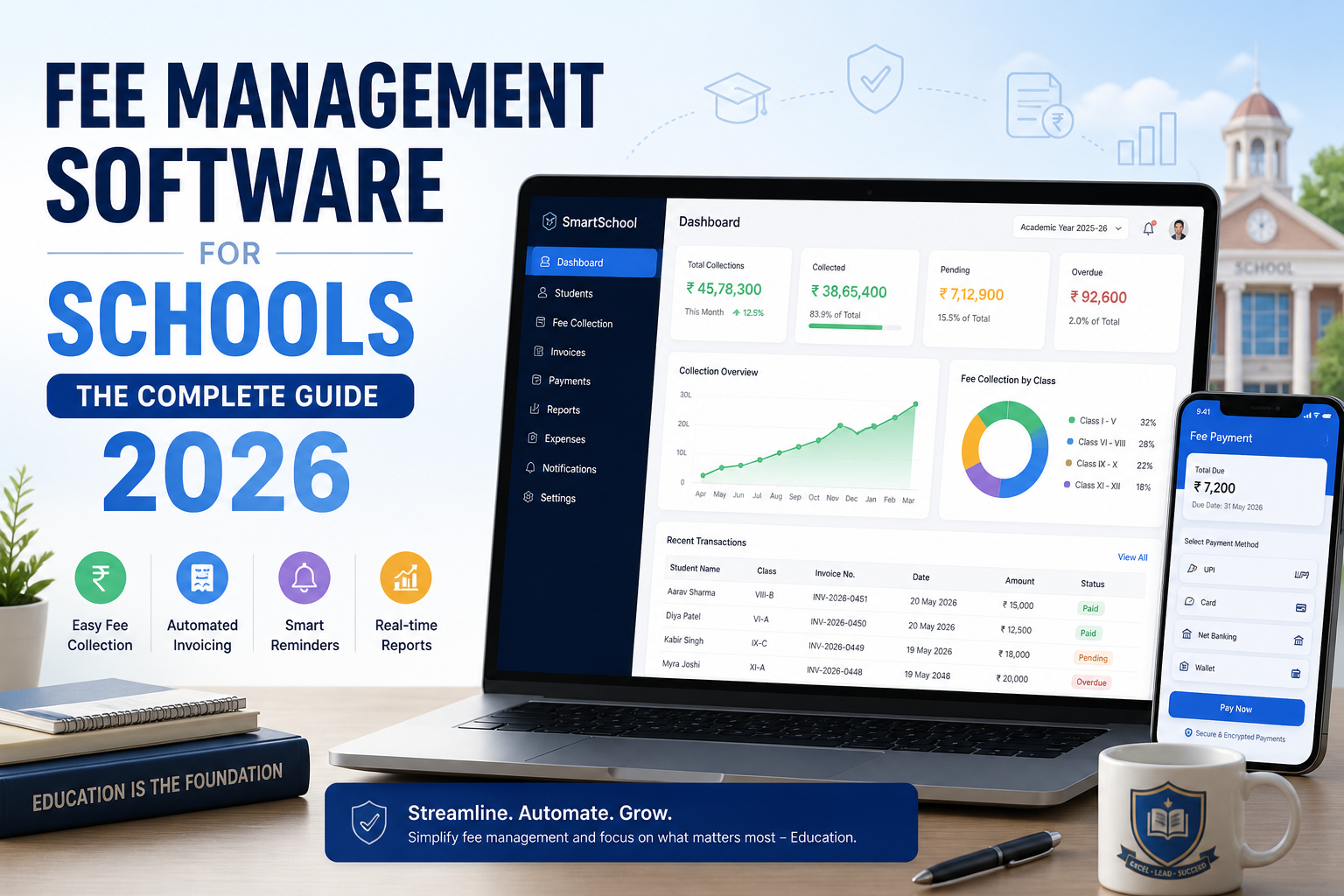
School fee management software is one of those tools finance teams don't think they need until they're drowning in unpaid invoices, manual reminders, and reconciliation errors that shouldn't exist.
If your school is still running fees through spreadsheets, a generic accounting tool like QuickBooks or Xero, or a bolted-on module that was never built for education, this guide covers exactly what a proper school fee management system should do, how it differs from your school ERP and SIS, what it costs, and how to switch without breaking a billing cycle.
What Is School Fee Management Software?
School fee management software is a platform built specifically to help schools, colleges, and universities collect, track, and reconcile student fees automatically, in one place.
It is not the same as QuickBooks, Xero, or Sage those are general business accounting tools built for invoicing clients, not families. A fee management system for school use is designed around how institutions actually charge:
- Tuition paid in termly or monthly installments
- Activity fees for sports, trips, and clubs
- Sibling and loyalty discounts applied across multiple children
- Scholarship and bursary deductions netted against gross fees
- Enrollment deposits tracked separately from tuition income
- Transport and lunch charges billed alongside academic fees
- Financial aid managed inside the same system, not a side spreadsheet
When purpose-built software handles all of this, your finance team stops doing data entry and starts doing finance.
Fee Management Software vs School ERP and SIS: How They Fit Together
These terms get used interchangeably, and that causes real confusion when schools shop for a system.
- A Student Information System (SIS) manages student records enrollment, demographics, grades, attendance.
- A school ERP is the broader platform: SIS, communication, HR, and finance under one roof.
- Fee management software is the finance layer either a standalone tool or a module inside an ERP.
The strongest setups don't treat these as separate purchases. When fee management lives inside (or tightly integrates with) your Student Information System, enrollment changes, withdrawals, and program updates flow into billing automatically instead of needing a manual double-entry step.
6 Best School Fee Management Software Platforms in 2026
Every institution's needs are different, so treat this as a shortlist to demo, not a ranking. Pricing shown is a starting point vendors have published elsewhere — always confirm current pricing and what's actually bundled directly with the vendor.
1. Clast.io Fee management as a native module inside an all-in-one education ERP, rather than a bolted-on add-on. That matters most for schools that also want admissions, SIS, and communication in one system instead of stitching together three vendors. Flat-rate pricing with no per-student fee, and a 7-day free trial with no card required. Best for: schools, colleges, and language institutes that want fee management unified with the rest of their operations.
2. Veracross Tuition Management Built specifically for private and independent K-12 schools, with automatic payments, saved payment accounts, a family billing portal, and built-in "integrity checks" that flag billing discrepancies before they become reconciliation problems. Reported starting price is around $500/month. Best for: independent and private K-12 schools already invested in a broader SIS relationship.
3. FACTS Tuition Management (Nelnet Business Solutions) One of the most established names in U.S. private and faith-based K-12 tuition billing, with flexible payment plans, cash-flow forecasting, and tight integration with FACTS Financial Aid Assessment. PCI DSS Level 1 validated. Reported starting price is around $1,000. Best for: Catholic and faith-based school networks that also need financial-aid assessment in the same system.
4. TUIO A Toronto-based tuition and billing platform for schools and childcare centers, with a genuinely free Starter plan and flat-rate pricing beyond that one of the few vendors in this list with transparent public pricing rather than "contact us." Best for: schools and childcare providers that want to trial a real product before committing budget.
5. Teachmint Widely used across schools and coaching institutes in India, with configurable fee installment options, automated due-date alerts, and customizable fee reports for admin-level visibility. Best for: coaching institutes and schools that need flexible, capacity-based installment plans.
6. CoFee A fee-collection-focused app aimed at smaller institutions schools, coaching centers, and activity-based businesses like dance or music academies with WhatsApp/SMS reminders and payment links that don't require the payer to install an app. Best for: smaller academies and coaching centers that want a lightweight, mobile-first tool rather than a full ERP.
| Platform | Best For | Notable Feature |
|---|---|---|
| Clast.io | Schools/colleges wanting fees unified with a full ERP | Flat-rate pricing, no per-student fee |
| Veracross Tuition Management | Independent & private K-12 | Automated billing "integrity checks" |
| FACTS Tuition Management | Faith-based & Catholic K-12 networks | Integrated financial aid assessment |
| TUIO | Schools & childcare centers wanting to trial before buying | Free Starter plan, transparent flat-rate pricing |
| Teachmint | Coaching institutes & schools (India) | Capacity-based installment plans |
| CoFee | Small academies & coaching centers | WhatsApp/SMS payment links, no app required |
Core Features to Look For
1. Automated Invoice Generation Linked to Enrollment
The single most valuable feature: when a student's enrollment is confirmed, the invoice generates automatically no manual step, no gap between admissions and finance, no risk of a new student going unbilled.
2. Flexible Fee Structures
No two schools charge families the same way. Look for support for different rates per program, year group, or campus; installment plans; automatic sibling discounts; scholarship deductions; pro-rated fees for mid-year enrollment; and activity or incidental fees billed alongside tuition.
3. Automated Payment Reminders (Email + SMS)
Reminders should fire before the due date, on the due date, and at set intervals after automatically, and they should stop the moment payment is received. A parent should never get a reminder for a fee they've already paid.
4. Online Payment Processing and Direct Debit
Parents expect to pay online: card, bank transfer, direct debit/ACH for recurring plans, and corporate payment for employer-sponsored students. Direct debit is the single strongest lever against defaults, because payment happens without anyone needing to remember.
5. Deposit Tracking and Refund Management
Enrollment, equipment, and housing deposits need to be tracked separately from tuition revenue, so they're never miscounted as fee income, and refunds stay fully auditable.
6. Real-Time Financial Reporting and Dashboards
At any moment, finance and leadership should be able to see fees billed vs. collected, outstanding balances by student or program, upcoming payments due in the next 30/60/90 days, and fee income broken out by type filterable and exportable to your accounting system.
7. Integration With Your Student Information System (SIS)
Fee software shouldn't be an island. It needs to connect to your SIS so enrollment triggers billing, program changes update fee structures in real time, and withdrawals pause billing immediately. Without this, there's always a manual step and that's where errors live.
8. Role-Based Access Control
A class teacher may only need to see whether a student is fee-current. A finance officer needs full billing history. A principal needs summary dashboards. Parents should see only their own family's balance.
9. Parent Payment Portal
Self-service for families: view balances, download invoices and receipts, pay by card or transfer, manage recurring direct debit, and track payment plan progress. Fewer "how much do we owe" calls means more time for work that matters.
10. Fraud Prevention and Audit Trails
Covered in depth below this has become one of the most-searched features in the category, and for good reason.
11. AI-Powered Fee Insights and Default Prediction
A newer differentiator: some platforms now use payment history patterns to flag families at higher risk of missing a payment before it happens, so finance teams can intervene early with a plan or reminder rather than a collections call. It's not a replacement for the fundamentals above but paired with automated reminders and direct debit, predictive flagging is becoming a meaningful third lever against defaults. For a broader look at where AI fits across school operations beyond fees, see our guide to AI for education administration.
Why Manual Fee Collection Breaks Down at Scale
Manual fee collection works fine at 50 students. At 200, 500, or 1,000+, the cracks show fast:
- New students go unbilled because admissions never notified finance
- Reminders get sent late, inconsistently, or not at all
- Deposits get mixed with regular fee income, creating reconciliation headaches
- Finance staff spend hours chasing balances instead of reporting on them
- Different fee structures live in different spreadsheets that drift out of sync
- Parents pay the wrong amount because their invoice was out of date
- Leadership has no real-time view of what's actually outstanding
Every one of these has a direct cost in staff hours, uncollected revenue, and parent trust.
Fee Management Software by Institution Type
K-12 Schools and School Districts
Need activity fee tracking with per-event billing, direct debit for recurring monthly tuition, automatic sibling discounts across a family account, a mobile-friendly parent portal, and integration with district-level SIS platforms like PowerSchool or Infinite Campus. See how this fits into a broader system in our guide to school ERP modules. (Solutions for schools)
Independent and Private Schools
Need granular fee structures (boarding, day, scholarship, bursary), deposit management for enrollment and boarding, and detailed reporting suitable for bursar and board-level governance.
Multi-Academy Trusts and Charter School Networks
Need multi-campus billing consolidated into one dashboard, central reporting with campus-level drill-down, and consolidated reconciliation across every site without losing campus-level access controls.
Higher Education and Colleges
The most complex environment: differential tuition by program and credit load, financial aid and scholarship integration, installment plan management, corporate billing for employer-sponsored students, and compliance reporting built for accreditation audits. (Solutions for colleges · Solutions for universities)
International Schools
Add currency, language, and compliance complexity: multi-currency invoicing, corporate billing for embassy and employer sponsorships, and a parent portal available in multiple languages.
Language Institutes, Academies, and Coaching Centers
Often overlooked by "school" software, but the fee logic is genuinely different: course-based (not annual) billing cycles, per-batch or per-cohort pricing, walk-in enrollment mid-term, and much higher payment-plan turnover than a traditional school year. A platform built only around annual tuition cycles tends to feel rigid here look specifically for flexible, short-cycle billing rather than assuming your K-12 shortlist will transfer over. (Solutions for language institutes)
Government and Public School Systems
Typically need centralized fee policy control across many sites, strict audit trails for public-fund accountability, and reporting formats that match government financial reporting requirements rather than a generic export.
Fraud Prevention and Audit Trails
Fraud in fee collection is more common than institutions like to admit, and it's one of the most-searched features in this category buyers specifically want to know a system can catch it, not just process payments. Look for:
- Full audit logs who created, modified, or deleted any record, and when
- Maker-checker controls for refund processing, so no single person can approve their own adjustment
- Reconciliation reports that automatically flag discrepancies between payments received and invoices issued
- Restricted access to fee waivers and manual balance adjustments
- PCI DSS–compliant payment processing, so card data never sits unencrypted in your own database
Reconciliation: Where Manual Fee Collection Actually Breaks
Reconciliation is the step schools underestimate most when they're still on spreadsheets or general accounting tools. Common failure points:
- Payments arrive from multiple channels (card, bank transfer, cash, cheque) with no single source of truth
- Deposits get lumped in with tuition income, throwing off revenue reporting
- A parent pays the wrong invoice version because billing and payments live in separate systems
- Month-end close takes days because staff are manually matching bank statements to invoices line by line
Purpose-built fee software solves this by tying every payment regardless of channel back to a specific invoice automatically, keeping deposits in a separate ledger category by default, and surfacing unmatched transactions the moment they occur rather than at month-end.
How School Fee Management Software Reduces Payment Defaults
Payment defaults are one of the most controllable problems in school finance, and the right software makes them dramatically rarer. The most effective single lever is automated reminders most families who pay late forgot, they didn't refuse, and a timely automatic nudge beats a manual phone call weeks later.
Other levers worth having:
- Direct debit mandates payment happens automatically, no one needs to remember
- Payment plans breaking a large annual fee into monthly amounts makes it manageable
- Early payment incentives a discount for paying the full year upfront
- Real-time overdue alerts so finance can intervene early, not after 60 days
- Fee freeze options for families facing genuine hardship
- Predictive risk flagging surfacing likely-to-default accounts before the due date, using payment history patterns
Cloud-Based vs On-Premise School Fee Systems
| Factor | Cloud-Based | On-Premise |
|---|---|---|
| Setup cost | Low (subscription) | High (server infrastructure) |
| Maintenance | Vendor managed | IT team managed |
| Accessibility | Anywhere, any device | On-site or VPN |
| Updates | Automatic | Manual, scheduled |
| Data location | Vendor's servers | Your servers |
| Disaster recovery | Built-in | Your responsibility |
| Best for | Most schools | Large institutions with existing IT and data-sovereignty requirements |
For the vast majority of schools, cloud-based wins on lower upfront cost, no server management, automatic updates, and access from any device.
Integrating Fee Software With Finance and SIS Systems
The value of fee management software multiplies with every system it connects to. Verify these before you buy:
- Student Information System enrollment triggers billing; program changes update fees automatically
- Accounting software fee receipts flow into your general ledger without manual export
- Payment gateways Stripe, PayPal, GoCardless, or your bank's own processor
- Communication tools WhatsApp, email, and SMS for reminders and receipts
- Parent apps mobile-first fee payment and balance checking
Ask every vendor to demonstrate these integrations live in a demo — not just confirm they exist on a feature sheet.
Pricing Models: What You'll Actually Pay
Clast.io's own pricing page is a useful reference point for what flat-rate, module-inclusive pricing looks like in practice but the models below apply across the market, not just to Clast.
| Pricing Model | How It Works | Watch Out For |
|---|---|---|
| Per-student | Monthly fee per enrolled student | Costs scale fast as enrollment grows |
| Flat-rate | Fixed monthly/annual fee | Confirm every module is actually included |
| Per-module | Core platform + add-on charges | Can end up pricier than it first looks |
| Percentage of transactions | A cut of each fee payment collected | High volume = high ongoing cost |
| Enterprise contract | Custom quote, multi-year | Watch for locked-in escalation clauses |
Vendor pricing varies widely and isn't always published, so treat any number you see online as a starting point for a quote request, not a guarantee. What's more useful than a single figure is knowing where the extra costs tend to hide:
Hidden costs to ask about explicitly:
- Implementation and data migration fees
- Staff training costs
- Support-tier upgrades
- Charges for additional campuses or users
- Fees for exporting your own data when you leave
Always ask for a 3-year total cost of ownership figure not just the monthly subscription price.
Is There a Free School Fee Management Software?
Some tools advertise a free tier or free trial, but genuinely free, full-featured fee management for a live school is rare free versions typically cap student counts, strip out payment-gateway integration, or limit reporting. Treat "free" listings as a way to trial the interface, not a permanent solution, and check what happens to your data and payment history if you outgrow the free tier.
How to Switch Fee Management Systems Without Chaos
Step 1 Audit your current data. Export every current student's fee structure, outstanding balance, and payment history before migration begins.
Step 2 Map your fee structures. Document every fee type you charge tuition rates, activity fees, discounts, deposit rules so the new system replicates them exactly.
Step 3 Run parallel systems briefly. For at least one billing cycle, run both systems side by side and compare outputs. Only cut over once the new system produces identical invoices.
Step 4 Communicate with parents. Explain that the payment system is changing, what (if anything) they need to do, and who to contact with questions.
Step 5 Train your team before go-live. Finance staff need hands-on sessions with real data at least two weeks out not a demo.
Step 6 Time the switch carefully. Avoid switching right before a major billing cycle; the start of a new term or academic year is safest.
Conclusion
School fee management software pays for itself quickly not just in recovered revenue, but in staff hours saved, errors eliminated, and parents who trust your institution because their billing experience is seamless.
The right system depends on your institution type, your existing tech stack, and your team's capacity for implementation. But the non-negotiables hold across every school: enrollment-triggered billing, flexible fee structures, automated reminders, SIS integration, real audit trails, and real-time reporting leadership will actually use.
If you're evaluating platforms, Clast.io offers a full-featured school fee management module inside its all-in-one education ERP flat-rate pricing, no per-student fees, and a 7-day free trial with no credit card required.