
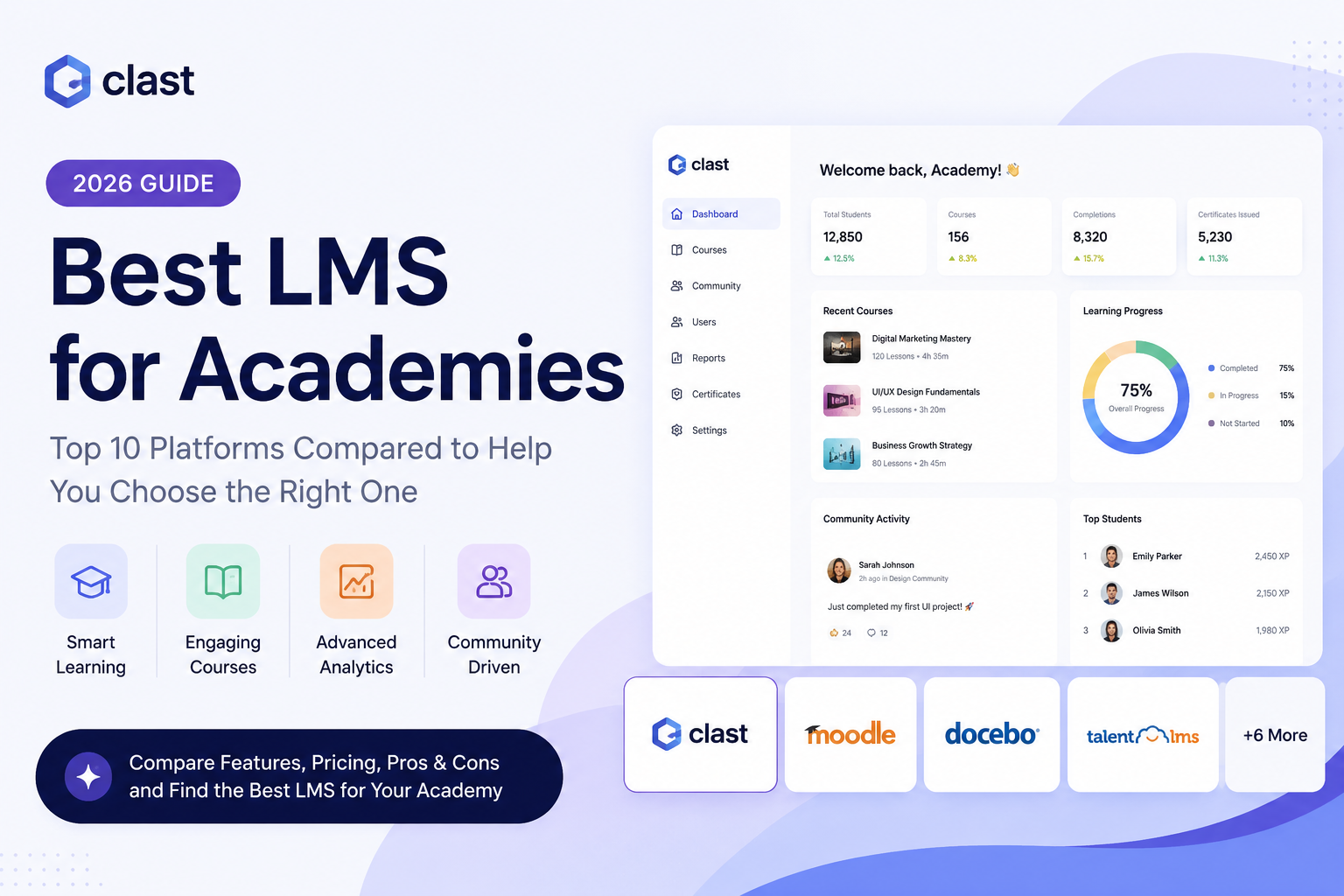
Choosing the best LMS for academies in 2026 is no longer just about hosting courses it's about managing multi-campus enrollment, supporting hybrid and online learning at scale, automating administrative work, and giving instructors, students, and parents real visibility into progress.
This guide covers what an LMS for academies actually needs to do, ranks the 10 best platforms for 2026, and because most institutions researching this topic are comparing against Blackboard, Canvas, or Moodle specifically includes a dedicated alternatives section for those three.
What Is an LMS for Academies?
A Learning Management System (LMS) is software that centralizes how academic institutions create, deliver, manage, and track educational content and learning outcomes. For academies specifically whether that's a K-12 school, a university, a language institute, or a professional certification provider an LMS goes beyond hosting courses. It connects instructors, students, administrators, and parents in one system, and increasingly handles attendance, assessments, communication, and reporting as well.
LMS vs SIS: What's the Difference?
Academies often use these two terms interchangeably, but they solve different problems:
- LMS (Learning Management System) focused on teaching: course content, assignments, quizzes, grading, and learner progress.
- SIS (Student Information System) focused on administration: enrollment records, attendance, transcripts, scheduling, and compliance reporting.
Most universities and large colleges run these as two separate systems (e.g., Canvas for the LMS layer, Banner or PowerCampus for the SIS layer) and connect them through integrations. Smaller academies and K-12 schools increasingly prefer a single platform like Clast.io's LMS + SIS or Classe365 that combines both, since it removes the integration overhead and keeps student data in one place. If your institution is managing multiple campuses or growing quickly, an LMS+SIS platform is usually worth the trade-off in flexibility. See our full breakdown of what a Student Information System does if you're deciding whether you need one alongside your LMS.
What Is the Best LMS for Academies in 2026?
After testing and researching the leading platforms, here are the top 10 best LMS options for academies in 2026:
Clast.io — Best overall AI-powered LMS + ERP for academies
Moodle — Best open-source LMS for technical teams
Canvas — Best for higher education academies
TalentLMS — Best for professional development and certification academies
iSpring Learn — Best for course authoring combined with LMS delivery
Docebo — Best enterprise-grade LMS for large academies
Blackboard Learn — Best for large, established academic institutions
LearnWorlds — Best for academies monetizing online programs
Classe365 — Best for blended learning and hybrid academies
Skolera — Best for K-12 and school-based academies
How We Ranked These Platforms
We evaluated each LMS using criteria that matter to academies specifically not generic corporate training platforms:
- Core LMS features (course creation, assessments, progress tracking)
- Administrative depth (attendance, enrollment, SIS, HR tools)
- AI and automation capabilities in 2026
- Ease of use for administrators, instructors, and students
- Parent and student communication tools
- Reporting and analytics dashboards
- Integration ecosystem
- Pricing transparency and total cost of ownership
- Scalability for multi-campus and large-enrollment institutions
- Regional compliance and multilingual support
The 10 Best LMS Platforms for Academies
1. Clast.io Best Overall LMS + ERP for Academies
Best for: Schools, professional academies, language institutes, colleges, and universities that need a unified platform for academic delivery AND institutional management.
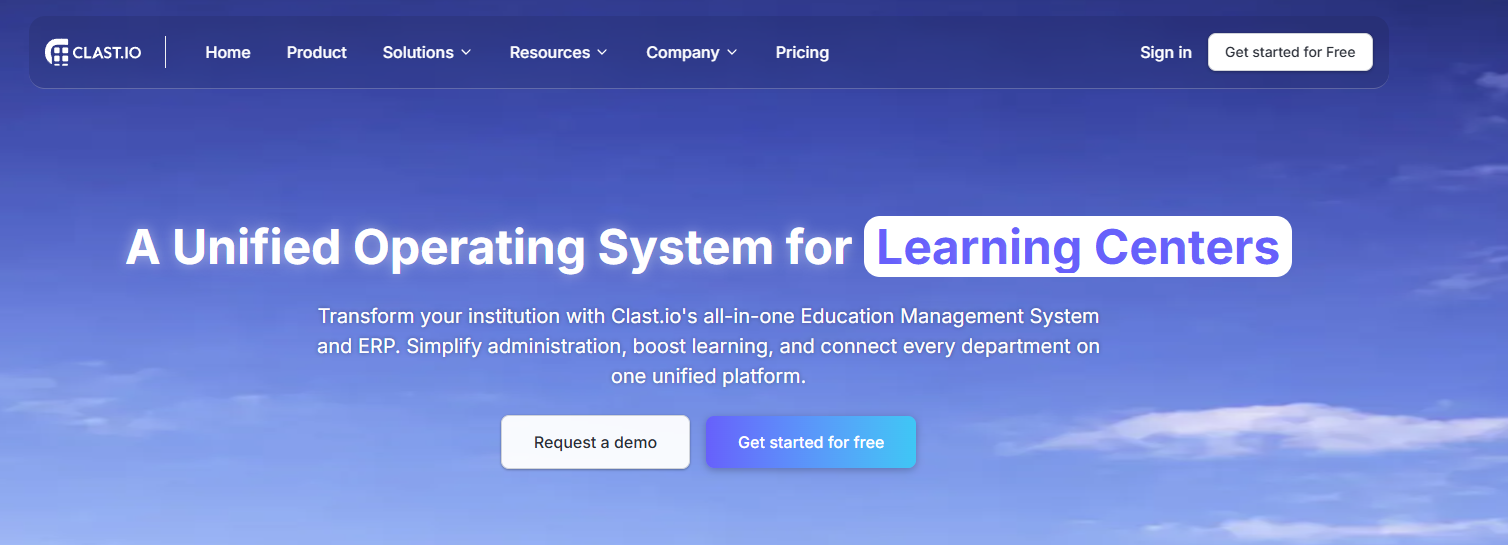
Clast.io is built from the ground up for educational institutions. While most LMS platforms handle only course delivery, Clast.io combines a full Learning Management System with a Student Information System, AI-powered ERP, HR tools, fee management, and institutional communication in one platform. This matters because academies don't just deliver courses they manage admissions pipelines, track student records, handle staff scheduling, process fees, and report to leadership, often across multiple campuses at once.
Key Features:
- Curriculum and class management with real-time attendance tracking
- AI-powered timetable generation, workflow automation, and predictive analytics
- Student Information System (SIS) fully integrated with the LMS
- Assessments, assignments, and digital report cards
- Role-based dashboards for administrators, teachers, students, and parents
- Automated alerts via in-app notifications, email, and WhatsApp
- Fee collection, expense tracking, payroll, and institutional finance management
- Multi-campus support with centralized reporting
- Admissions management with lead tracking and enrollment workflows
Pros: Most comprehensive feature set for institutions (LMS + SIS + ERP in one system); modern interface with short onboarding time; practical AI features rather than marketing language; transparent flat-rate pricing; free trial, no credit card required.
Cons: Newer brand than legacy competitors, so a smaller existing user base; some highly niche modules may require third-party integrations.
Pricing: Flat-rate, transparent see current plans on the Clast.io pricing page. All plans include the full feature suite, AI tools, and priority support. Free trial available.
Bottom line: If you're running a college, multi-campus academy, or language institute and are tired of stitching together five disconnected tools, Clast.io is the strongest single-platform option in 2026.
Start your free trial at Clast.io →
2. Canvas Best for Higher Education Academies
Best for: Universities, colleges, and higher-education-adjacent academies running structured academic programs.
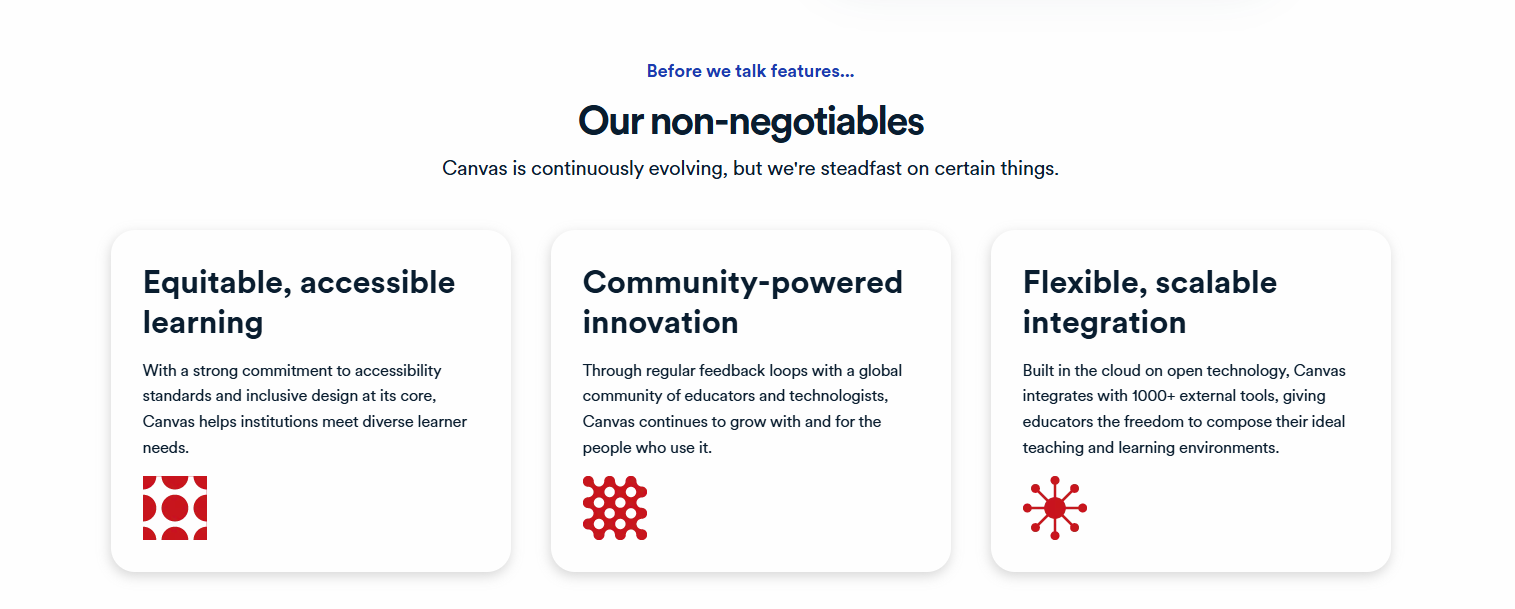
Canvas by Instructure is a cloud-native LMS widely adopted in both K-12 and higher education. It is known for its clean interface, strong mobile experience, and a broad integration ecosystem that connects with tools most universities already use.
Key Features:
- Intuitive course builder with support for multimedia content
- Speed Grader for fast, efficient feedback on student submissions
- Advanced assignment and rubric-based grading workflows
- Strong third-party integrations (Google Drive, Zoom, Microsoft 365, Turnitin)
- Comprehensive analytics dashboard with learner progress tracking
- LTI (Learning Tools Interoperability) support for external tool connections
- Native mobile app with offline access
Pros:
- Genuinely modern interface one of the most polished in the higher-ed LMS market
- Strong assessment and grading tools built for academic workflows
- Broad integration library covers most institutional tool needs
- Widely adopted large community of educators and support resources
Cons:
- Not a full ERP does not cover admissions, HR, finance, or operations natively
- Custom pricing only; costs scale significantly with institution size
- Does not include a Student Information System requires integration with external SIS
- AI features are still maturing compared to newer platforms
Pricing: Contact for institutional pricing. Typically scales by enrolled student count.
3. Moodle Best Open-Source LMS for Technical Teams
Best for: Academies and institutions with dedicated IT teams that want full control, customization, and zero licensing costs.
Moodle is the world's most widely deployed open-source LMS, used by over 300 million users across 250+ countries. Its open architecture, thousands of plugins, and SCORM compliance make it technically flexible for almost any academic use case.
Key Features:
- Fully open-source with thousands of available plugins
- SCORM and xAPI compliant import and export learning content across platforms
- Robust assessment, grading, and progress tracking tools
- Customizable course formats including topics, weekly, and social layouts
- Moodle Mobile app for learner access anywhere
- Multilingual support for global academies
- Moodle Cloud for hosted deployments without managing server infrastructure
Pros:
- Zero licensing cost the platform itself is free
- Extremely customizable almost any feature can be added via plugins or custom development
- Large global community for support, plugins, and documentation
- Strong compliance with international accessibility standards
Cons:
- Requires significant technical expertise to deploy, configure, and maintain
- Hosting, implementation, and ongoing IT support add real cost
- Interface is functional but dated compared to modern SaaS alternatives
- Course monetization is not natively supported
- User experience can feel complex for non-technical administrators and instructors
Pricing: Open-source (free). Hosting via Moodle Cloud starts at approximately $110/year for small implementations. Custom deployments vary significantly based on infrastructure and implementation costs.
4. TalentLMS Best for Professional Training Academies
Best for: Professional development academies, certification programs, corporate training providers, and skill-based academies.
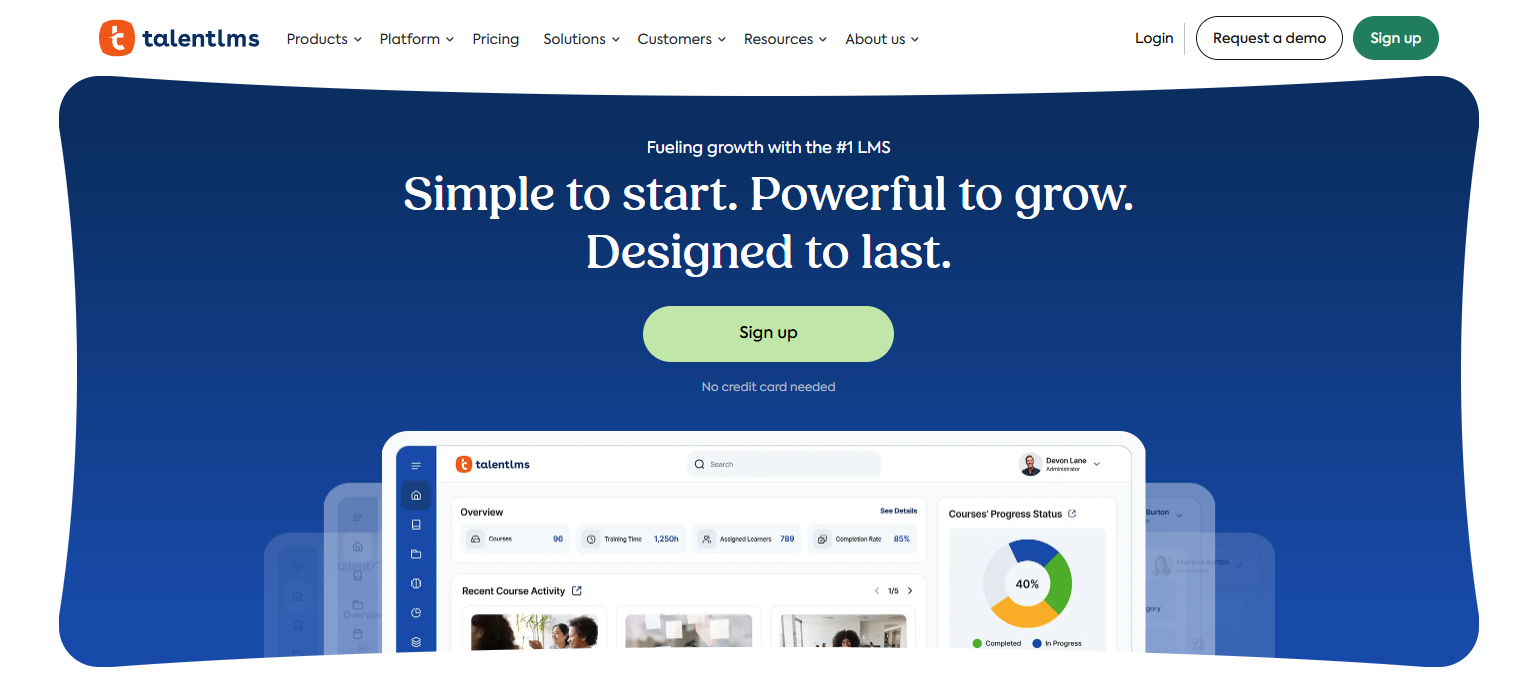
Talent LMS consistently ranks as one of the most user-friendly LMS platforms on the market. Its rapid deployment often live within hours and straightforward interface make it a strong choice for academies prioritizing speed and ease of adoption over deep institutional management features.
Key Features:
- Intuitive course builder with support for video, SCORM, and quiz content
- Gamification tools points, badges, and leaderboards to drive engagement
- Built-in course marketplace and content library partnerships
- SCORM, xAPI, and AICC compliance
- AI-assisted course creation tools (2026 update)
- Mobile app with offline learning support
- White-label options for branded academy experiences
- Automation for enrollment, completion notifications, and certification reminders
Pros:
- Fastest time-to-launch of any LMS reviewed can be operational in a day
- Intuitive interface minimal training required for instructors and administrators
- Transparent, tiered pricing with a free plan for small academies
- Strong gamification features improve learner engagement metrics
- Good automation for certification workflows
Cons:
- Not designed for full academic institutions lacks SIS, HR, finance, and admissions tools
- Reporting is functional but less powerful than enterprise platforms
- Customization options are limited compared to open-source or enterprise alternatives
- Less suited for academies running complex, multi-cohort academic programs
Pricing: Free plan available (up to 5 users). Paid plans start at approximately $69/month. Pricing scales by active user count.
5. iSpring Learn Best for Course Authoring + LMS Delivery
Best for: Academies that need to create high-quality interactive course content alongside a reliable LMS for delivery.
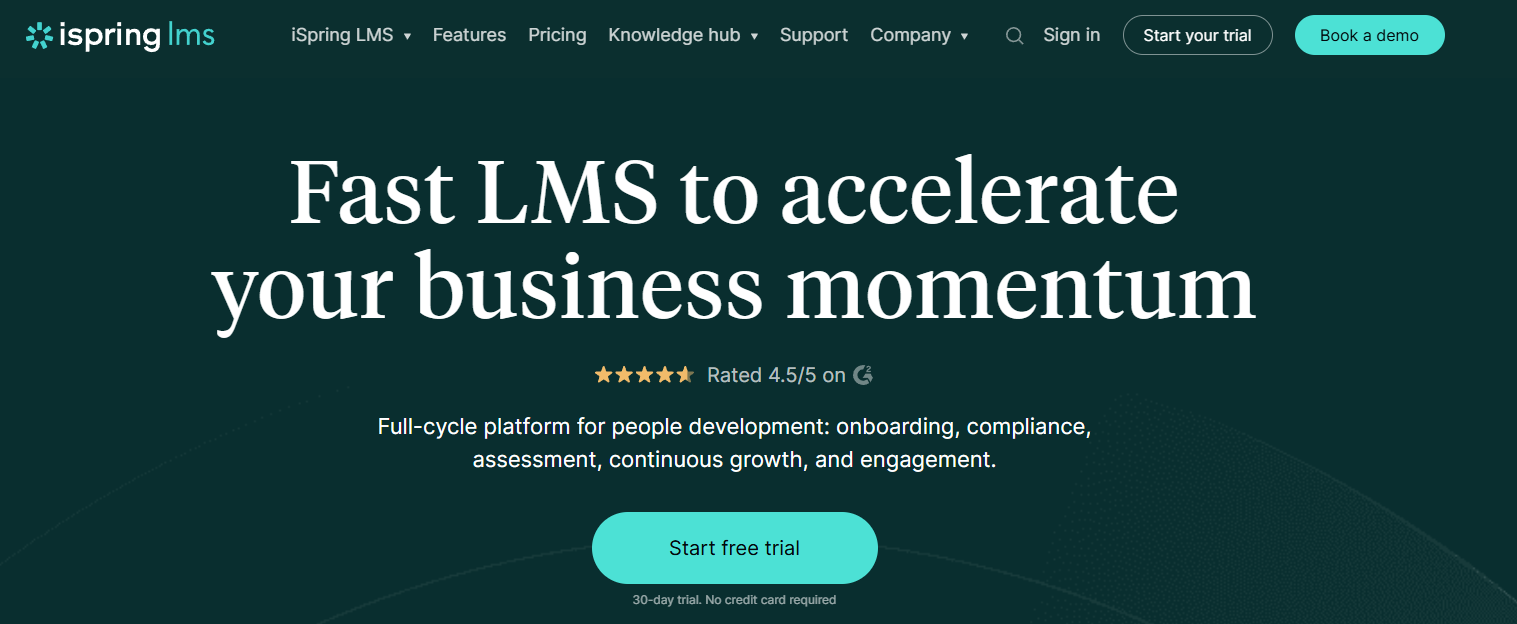
iSpring Learn stands out by pairing a capable LMS with iSpring Suite one of the most respected course authoring tools in the eLearning market. For academies that produce a lot of their own content (video lectures, interactive quizzes, branching scenarios), this combination reduces the need for separate authoring software.
Key Features:
- Native integration with iSpring Suite authoring tool for rich interactive content
- SCORM-compliant content delivery and tracking
- Learner progress tracking and detailed reporting
- Mobile app with offline mode
- Automated learning path assignment based on role or group
- Quiz and assessment builder with multiple question types
- Virtual classroom integrations (Zoom, Teams, Webex)
- AI features for course generation and content suggestions (2026 update)
- White-label portal with custom branding
Pros:
- Best-in-class course authoring combined with LMS delivery — fewer tools to manage
- Strong SCORM support for importing existing content libraries
- Reliable, well-documented platform with strong customer support reputation
- Good mobile experience for learners on the go
Cons:
- Full power requires both iSpring Learn and iSpring Suite combined cost can be significant
- Not designed for managing full academic institutions no SIS, HR, or finance features
- Limited community features compared to platforms built for cohort-based learning
- Interface is more corporate-training-oriented than academic
Pricing: iSpring Learn starts at approximately $3.66 per user/month (billed annually). iSpring Suite authoring tool is an additional cost.
6. Docebo Best Enterprise LMS for Large Academies
Best for: Large academies, corporate learning organizations, and institutions managing multiple audience types simultaneously.
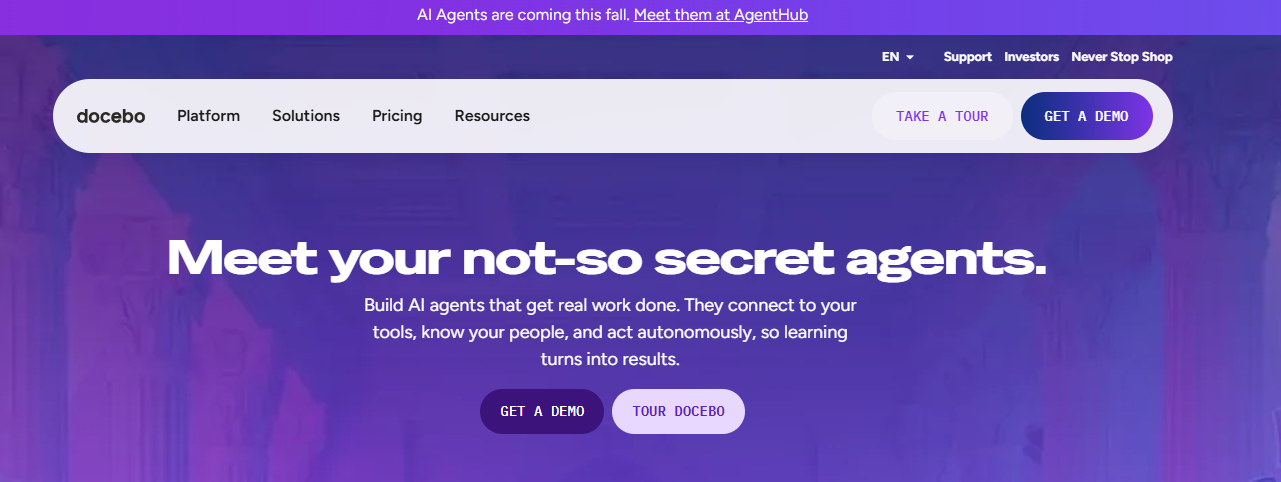
Docebo is one of the most capable enterprise LMS platforms in the market, known for its Harmony AI system, deep analytics, and ability to manage complex multi-audience learning environments. It is the platform of choice when you need to train internal staff, external students, and partner organizations from a single system.
Key Features:
- Harmony AI for personalized content recommendations and learning path automation
- Multi-audience management (employees, customers, partners, students)
- Advanced analytics and custom reporting dashboards
- Built-in ecommerce for external program monetization
- Extensive integration ecosystem (Salesforce, Workday, SAP, Zoom, Teams, and more)
- Social learning tools communities, Q&A, content sharing
- Certification and compliance management
- Multi-language and multi-currency support for global academies
Pros:
- Among the most powerful LMS platforms available for complex, multi-audience scenarios
- Harmony AI genuinely improves personalization and reduces administrative workload
- Strong analytics help institutions measure program effectiveness and ROI
- Extensive integration library connects with virtually any enterprise tool
Cons:
- Enterprise pricing makes it cost-prohibitive for small and mid-size academies
- Implementation complexity is high budget for significant onboarding time
- Overkill for academies with straightforward single-audience programs
- Does not include native SIS, HR, or institutional finance management
Pricing: Enterprise quote-based pricing. Typically starts in the range of $25,000+/year for smaller enterprise accounts.
7. Blackboard Learn Best for Large, Established Institutions
Best for: Universities, colleges, and large academic institutions with complex assessment and compliance requirements.
Blackboard Learn by Anthology is one of the most established academic LMS platforms in existence, with deep roots in higher education. Its feature set is comprehensive and purpose-built for academic workflows though its interface and user experience trail significantly behind modern competitors.
Key Features:
- Seamless integration with Student Information Systems (via Anthology suite)
- Advanced assessment tools customizable quizzes, rubrics, assignment workflows
- Comprehensive grade center with detailed grading tools
- Rich communication tools discussion boards, messaging, announcements
- Mobile access via the Blackboard app
- LTI integrations for third-party academic tools
- Analytics and reporting for institutional decision-making
Pros:
- Deep academic feature set built specifically for higher education workflows
- Strong assessment and grading tools for complex academic programs
- Well-established with broad institutional support infrastructure
Cons:
- Interface is frequently cited as dated and non-intuitive steep learning curve
- High implementation and licensing costs
- Slower to adopt modern UX and AI features compared to newer competitors
- Best suited for large institutions with dedicated IT and administrative support
Pricing: Contact Anthology for institutional pricing. Implementation costs are typically significant.
8. LearnWorlds Best for Academies Monetizing Online Programs
Best for: Academies generating revenue through online course sales, subscriptions, or certification programs.
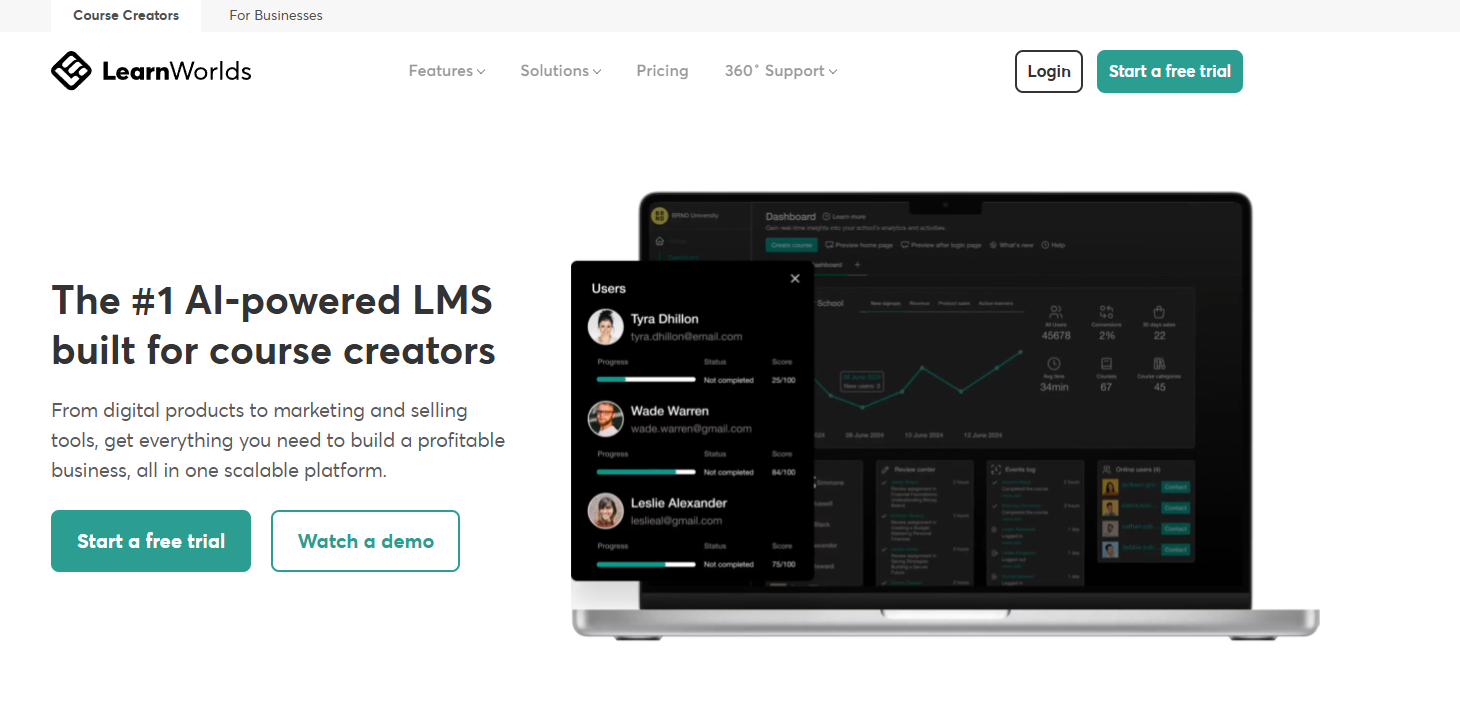
LearnWorlds combines a capable LMS with powerful ecommerce tools, making it the strongest choice for academies whose primary goal is to build and monetize online learning programs. Its AI-assisted course creation and interactive video tools are genuine differentiators.
Key Features:
- AI assistant for course structure, assessment creation, and content suggestions
- Interactive video automatically adds quizzes to video content at set intervals
- Custom branded course websites (no coding required)
- Multiple monetization models subscriptions, bundles, one-time purchases, memberships
- Drip release, on-demand downloads, and live session support via Zoom integration
- Certificate builder with customizable templates
- Community and social learning features
- Mobile app builder for branded learner experiences
Pros:
- Best-in-class ecommerce tools for academies selling courses externally
- Interactive video capabilities are genuinely differentiated
- Strong AI tools for course creation reduce content production time
- Clean, modern interface that learners respond well to
Cons:
- Not designed for managing full academic institutions no SIS, HR, admissions, or finance features
- Not ideal for academies focused on internal program delivery rather than sales
- Support response times can vary based on plan tier
Pricing: Starter plan at $29/month; Pro Trainer at $99/month; Learning Center at $299/month; High Volume / White Label plans available at custom pricing.
9. Classe365 Best for Blended Learning and Hybrid Academies
Best for: Academies running blended learning programs that combine online content delivery with physical classroom management.
Classe365 is designed to unify both the LMS and administrative sides of academic delivery. It goes beyond course hosting by including an admissions CRM, student information management, and attendance tracking making it a more operationally complete choice than pure-LMS platforms.
Key Features:
- LMS with course creation, quizzes, assignments, and live class support
- Admissions and lead management with built-in CRM
- Student information management records, transcripts, academic history
- Attendance tracking for both online and in-person sessions
- Online proctoring for assessments via SMOWLtech integration
- Reporting and analytics dashboard for program performance
- Integration with Google Meet, Zoom, and Microsoft Teams
- Parent portal with student progress visibility
Pros:
- Covers both LMS delivery and some administrative operations in one platform
- Good fit for blended learning programs combining online and in-person elements
- Admissions and CRM functionality reduce tool fragmentation for growing academies
- Proctoring integration for high-stakes assessments
Cons:
- Less powerful on the administrative/ERP side compared to full institutional platforms
- Interface receives mixed reviews some users find navigation complex
- Pricing can become significant at scale
- AI features are less developed than leading competitors
Pricing: Contact for pricing; per-student pricing model available.
10. Skolera Best for K-12 and School-Based Academies
Best for: K-12 academies and school-based learning environments focused on teacher-student interaction and classroom management.
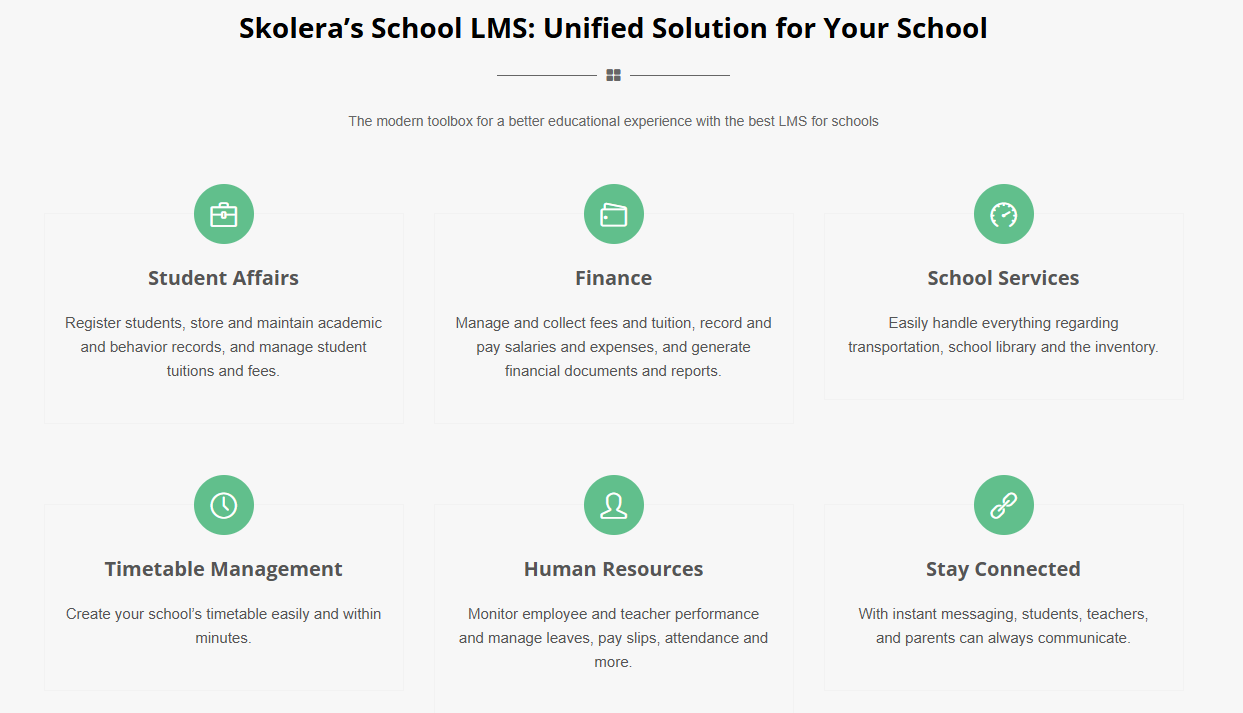
Skolera is an LMS built specifically for school environments, with a strong focus on making the platform accessible and effective for teachers, students, and parents in K-12 settings. Its features are optimized around the classroom experience assignments, communication, and student reporting.
Key Features:
- Course and lesson management built for K-12 academic structures
- Assignment creation and submission management
- Parent portal for academic progress visibility
- Teacher-student and teacher-parent communication tools
- Student report generation
- Attendance management tools
- Mobile app for teachers, students, and parents
Pros:
- Purpose-built for K-12 and school-based environments
- Parent engagement features are strong compared to general LMS platforms
- Straightforward interface that teachers can adopt quickly
Cons:
- Limited scalability beyond K-12 settings not well-suited for professional or higher-ed academies
- Fewer advanced AI features compared to leading platforms
- Less comprehensive on operational/administrative depth
Pricing: Contact for custom pricing based on school size and region.
Top LMS for Academies — Comparison Table
| Platform | Best For | AI Features | Free Trial | Pricing Model | SIS/ERP Built-in |
|---|---|---|---|---|---|
| Clast.io | Full academy operations | Yes (AI ERP) | Yes | Flat-rate, transparent | Yes — full ERP + SIS |
| Canvas | Higher education | Moderate | Demo | Custom / institutional | Via LTI integrations |
| Moodle | Open-source flexibility | Limited | N/A (open-source) | Free + hosting costs | Via plugins |
| TalentLMS | Professional training | Yes | Yes (30 days) | Tiered subscription | Limited |
| iSpring Learn | Course authoring + LMS | Yes | Yes | Per-user subscription | Limited |
| Docebo | Enterprise academies | Yes (Harmony AI) | Demo | Enterprise quote | Strong integrations |
| Blackboard Learn | Large institutions | Moderate | Demo | Custom / institutional | Via Anthology suite |
| LearnWorlds | Course monetization | Yes | Yes | Tiered subscription | No |
| Classe365 | Blended learning | Moderate | Demo | Per-student pricing | Partial |
| Skolera | K-12 academies | Moderate | Demo | Custom | Partial |
Why Academies Need a Dedicated LMS in 2026
Academies today face a different set of challenges than they did five years ago. Learner expectations are higher. Administrative overhead is growing. Staff time is limited. And institutions that rely on disconnected tools are paying the cost in efficiency and outcomes.
Here is what a purpose-built LMS for academies solves:
Operational efficiency: Automated enrollment, attendance tracking, assignment grading, and certification issuance free up instructor and administrator time for what matters teaching.
Student visibility: Real-time dashboards show exactly who is progressing, who is falling behind, and which programs are underperforming before it becomes a retention problem.
Communication at scale: Automated alerts via email, in-app notifications, and WhatsApp keep students, parents, and staff aligned without manual effort.
Compliance and reporting: Academic institutions face increasing data and compliance requirements. A centralized LMS with proper access controls and audit trails is no longer optional.
Revenue and growth: For academies offering certifications, professional programs, or subscription-based learning, an integrated LMS with ecommerce capability directly supports growth.
AI-powered personalization: In 2026, leading LMS platforms use AI to generate adaptive learning paths, predict dropout risk, automate scheduling, and surface insights that manual reporting cannot.
LMS Alternatives: Blackboard, Canvas & Moodle
A large share of institutions researching this topic are already on one of these three platforms and looking for something better-fitting. Here's the short version:
Looking for a Blackboard alternative? Blackboard's core academic and compliance tooling is strong, but its dated interface and high implementation cost push many institutions toward Canvas (for a similarly academic but more modern experience) or Clast.io for universities (if you also want SIS and admin tools bundled in, rather than paying for Blackboard plus a separate SIS).
Looking for a Canvas alternative? Canvas is excellent at course delivery but doesn't include a Student Information System, admissions, HR, or finance tools so institutions outgrowing standalone LMS tools typically move to Clast.io or Classe365 for the combined LMS+SIS approach, or to Moodle if cost and customization matter more than an out-of-the-box SIS.
Looking for a Moodle alternative? Moodle's flexibility comes at the cost of needing in-house IT support. If your team doesn't have that capacity, TalentLMS (for speed) or Clast.io (for a managed, all-in-one platform) remove the maintenance burden while keeping most of the same core LMS functionality.
Comparing AcademyMaker or Open LMS? Both are course-management-focused platforms aimed at corporate L&D and higher-ed content delivery respectively strong on content organization and SCORM/xAPI tracking, but like Canvas and Moodle, neither includes native SIS, admissions, or institutional finance tools. If you need those alongside course delivery, that's the gap Clast.io and Classe365 are built to close.
Key Features to Look for in an Academy LMS
Not all LMS features matter equally for academies. Here is what to prioritize:
1. Course Creation and Content Management
Look for flexible tools that support video, documents, SCORM files, quizzes, live sessions, and drip-release content. The ability to reuse and organize content across programs is critical for academies running multiple courses simultaneously.
2. Student Progress Tracking and Analytics
Real-time dashboards, completion reports, assessment scores, and engagement analytics give instructors and administrators the visibility they need to intervene early and improve program outcomes.
3. Enrollment and Admissions Management
Automated enrollment workflows, waitlist management, application tracking, and self-registration options dramatically reduce administrative burden during intake periods.
4. Assessment and Certification Tools
Quizzes, assignments, rubric-based grading, proctoring support, and digital certificate issuance should all be native to the platform not requiring separate tools or third-party integrations.
5. Communication and Collaboration
Discussion boards, instructor-to-student messaging, parent portals, announcement systems, and community features keep learners connected and engaged throughout their programs.
6. Attendance Management
For academies running live sessions or physical classrooms, automated attendance tracking including biometric or QR-based options is a core operational requirement.
7. Integration Capabilities
Your LMS should connect with your Student Information System, finance tools, HR software, video conferencing platforms (Zoom, Google Meet, Microsoft Teams), and communication channels like WhatsApp.
8. Role-Based Access and Dashboards
Administrators, instructors, students, and parents each need different views and permissions. Platforms that provide purpose-built dashboards for each stakeholder reduce confusion and accelerate adoption.
9. Mobile Accessibility
Learners access content on the go. A fully functional mobile experience or a branded app is no longer a differentiator; it is a baseline expectation.
10. AI and Automation
AI-generated learning paths, automated alerts, intelligent scheduling, predictive analytics for dropout risk, and AI-assisted course creation are now practical, time-saving capabilities in leading platforms.
How to Choose the Right LMS for Your Academy
There's no single best LMS for every academy only the one that fits your institution's size, structure, and operational complexity.
- Choose Clast.io if you want one platform for LMS, SIS, ERP, HR, and finance, with AI automation and transparent pricing.
- Choose Canvas if you want a polished, higher-ed-focused LMS with strong assessment tools and broad integrations.
- Choose Moodle if you want full open-source control and have the IT resources to support it.
- Choose TalentLMS if you need fast deployment for professional training or certification programs.
- Choose iSpring Learn if you want combined course authoring and LMS delivery.
- Choose Docebo if you're running enterprise-scale, multi-audience learning.
- Choose Blackboard if you need deep higher-ed assessment and SIS integration within an established ecosystem.
- Choose LearnWorlds if your priority is monetizing online programs.
- Choose Classe365 if you want blended learning with some administrative management included.
- Choose Skolera if you're a K-12 school prioritizing parent engagement.
Questions to Ask Before Choosing an Academy LMS
Before signing any contract, ask vendors these critical questions:
- Does this platform include everything I need, or will I need additional tools?
- What is included in the base price, and what costs extra?
- Are implementation and onboarding fees included?
- How long does migration from an existing system typically take?
- Is staff training included, or is it a separate cost?
- How does the platform handle growth more students, more courses, more campuses?
- What does the parent/student app experience look like?
- Can I speak with current customers running institutions similar to mine?
- What AI features are available today (not on the roadmap)?
- What happens to our data if we decide to leave?
Conclusion
The platforms in this guide represent the strongest options for academies and higher-education institutions in 2026, each suited to different priorities:
- Full institutional management (LMS + SIS + ERP + AI) Clast.io
- Higher education with rich academic workflows — Canvas
- Open-source flexibility — Moodle
- Fast-deploying professional training — TalentLMS
- Course creation combined with LMS delivery — iSpring Learn
- Enterprise-scale operations — Docebo
- Established universities — Blackboard Learn
- Online course monetization — LearnWorlds
- Blended learning — Classe365
- K-12 academies — Skolera
Start by defining your institution's biggest operational bottleneck then choose the platform that solves it directly, without requiring five other tools alongside it. If that bottleneck is fragmented tools across your school, college, or university, see pricing and start a free trial below.