
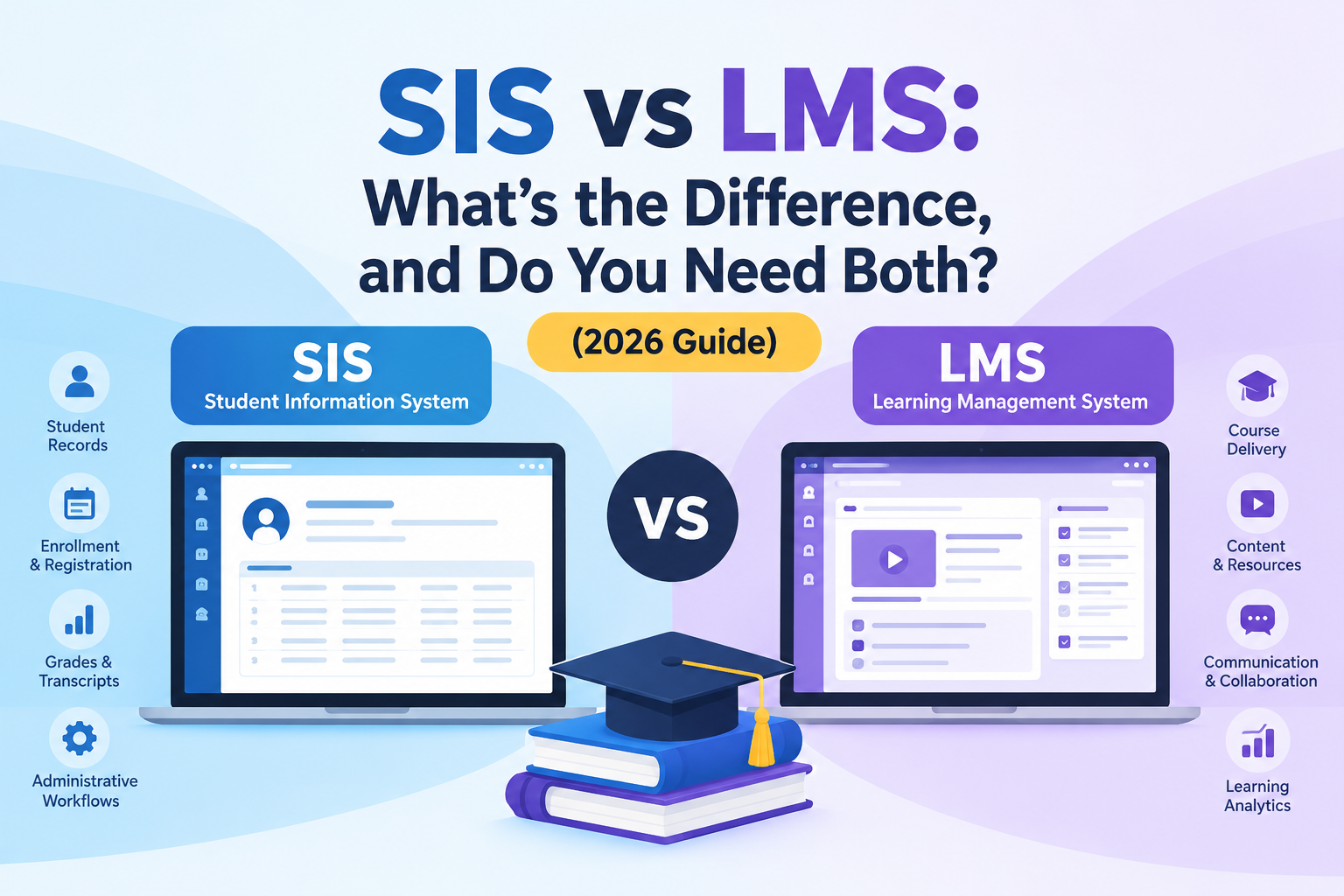
SIS vs LMS is one of the first questions school leaders ask when they compare education software, and one of the easiest to get wrong. Both systems hold student names, class lists and grades, so vendors often describe them in almost the same words.
The difference shows up at report-card time. A teacher grades work in one system, the registrar prints transcripts from another, and nobody can say which number is official. Schools that buy the wrong tool first, or connect the two without deciding which one owns what, usually end up with duplicate data entry and records they cannot trust.
This guide explains what each system does, who uses it, where grades should live, how the two connect, and which one to buy first. Start with the quick answer below, then jump to the sections you need.
Quick answer
The difference between SIS and LMS comes down to record versus delivery. A student information system (SIS) is the official record-keeper of a school: who the students are, which classes they are enrolled in, how often they attend, and what grades go on their transcripts. A learning management system (LMS) is where teaching happens day to day: lessons, assignments, quizzes and class discussions.
In one line: the SIS manages the student, the LMS manages the learning. Most schools need both, and the two work best when the SIS feeds rosters to the LMS and the LMS sends grades back.
SIS vs LMS at a glance
| Feature | SIS (Student Information System) | LMS (Learning Management System) |
|---|---|---|
| Core question it answers | Who is this student, and what is their official record? | What is this student learning right now, and how are they doing? |
| Primary job | Administration, records, compliance | Instruction, content delivery, assessment |
| Main users | Registrars, administrators, office staff, finance, parents | Teachers and students (parents get limited views) |
| Typical data | Demographics, enrollment, schedules, attendance, final grades, transcripts, fees | Lessons, files, assignments, submissions, quiz results, feedback, activity |
| Time horizon | Whole student lifecycle, from application to alumni | One course or term at a time |
| Compliance role | Heavy: official reporting, audits, retention rules | Lighter: protects learning data, but is not the legal record |
| Source of truth for | Enrollment, identity, official grades | Day-to-day coursework and engagement |
| Examples | PowerSchool, Infinite Campus, Skyward, Ellucian Banner, Clast.io | Canvas, Moodle, Blackboard, Schoology, Google Classroom |
If you remember only one thing from this table, remember the "source of truth" row. Most real-world problems with these systems come from not deciding which one owns which piece of data.
What is a student information system (SIS)?
An SIS is the administrative backbone of a school, college or university. It holds the official version of every student's record and automates the paperwork around it. Typical modules include:
- Admissions and enrollment: applications, documents, placement and registration
- Student records: demographics, guardians, health and emergency contacts, prior schooling
- Attendance: daily or per-period tracking, absence alerts to families
- Scheduling and timetables: sections, rooms, teacher assignments, conflict checks
- Gradebook, report cards and transcripts: the official academic history
- Fees and billing: invoices, payments, balances
- Parent and student portals: self-service access to records and notices
- Reporting and compliance: government, accreditation and audit reports
If you want the full picture, our complete guide to student information systems covers features, implementation and pricing in depth. You may also see an SIS called a student management system; the labels overlap heavily.
What is a learning management system (LMS)?
An LMS is the digital classroom. It gives teachers a place to build and deliver instruction, and students a place to learn and submit work. Typical capabilities include:
- Course creation: modules, lessons, videos, readings and resource libraries
- Assignments and submissions: due dates, file uploads, rubrics and feedback
- Quizzes and assessments: question banks, auto-grading, timed tests
- Discussion and collaboration: forums, group work, announcements
- Progress tracking: completion, mastery and engagement analytics
- Blended and remote learning: live-class links, recorded lessons, mobile access
An LMS is built around the course. An SIS is built around the student. That one design difference explains almost every other contrast between them. If you are comparing platforms, see our guide to the best LMS for academies.
The 6 key differences between an SIS and an LMS
Most comparison articles stop at "administration versus learning." These are the differences that change how you buy, set up and run your systems.
1. They answer different questions
Ask the SIS "Is this student enrolled in Grade 9 Biology, and how many days have they missed this term?" and you get an authoritative answer. Ask the LMS "Has this student submitted the cell-structure lab, and what did the teacher say about it?" and you get the classroom view. Neither can replace the other.
2. They own different data
The SIS owns identity and official outcomes: who the student is, where they are enrolled, and what grade goes on the transcript. The LMS owns learning activity: drafts, submissions, quiz attempts, comments and participation. Keeping that line clear prevents most data disputes later.
3. They serve different users on different rhythms
Teachers and students may open the LMS several times a day. Registrars, administrators and finance teams live in the SIS around key moments such as enrollment, term start, report cards and audits. Parents usually see the SIS side (attendance, report cards, fees) and only a slice of the LMS side.
4. They carry different compliance weight
The SIS is the legal and academic record. It supports official reporting, transcript requests, retention rules and audits, and in the US it sits at the center of FERPA obligations, the federal law that protects student education records. An LMS also holds student data and must be secured, but it is not normally the document you hand to an auditor or a receiving school.
5. They live on different timelines
An LMS course shell often exists for a term and is then archived. An SIS record follows a student for years, from application through graduation and, in many institutions, into alumni records.
6. One can exist without the other, but not equally well
A school can run on an SIS without an LMS, with teachers using paper or other tools for instruction. An LMS without an SIS is much harder to sustain, because rosters, enrollments and official grades then have to be maintained by hand.
Why SIS and LMS get confused
The overlap is real, and vendors market it heavily:
- Both have gradebooks, but they do different jobs. The LMS gradebook is a working tool for the teacher. The SIS gradebook is the official record.
- Both have parent access, but the SIS portal is built around attendance, report cards and fees, while LMS access is mostly assignments and feedback.
- Both handle messaging, but the SIS sends institutional notices, while the LMS supports class conversation.
- Both track attendance in some form. LMS "attendance" often means participation or login activity, not the legal register.
- Google Classroom and Microsoft Teams are used as classroom tools, but they are not student record systems.
The practical test: if the data must survive an audit, a transfer or a parent dispute, it belongs in the SIS.
Who owns what? A source-of-truth cheat sheet
This is the part most schools never write down, and it is where integrations break. Use this as a starting policy and adjust it for your institution.
- The SIS owns: student identity and demographics, course sections and teacher assignments, class rosters (adds and drops), the attendance register, fees and balances, and final grades and transcripts. Family-facing views of this data are covered in our parent portal software guide.
- The LMS owns: assignments, submissions, feedback, quiz attempts, discussion activity and running scores.
- Flows from SIS to LMS: identity, sections and rosters, so courses and class lists build themselves.
- Flows from LMS to SIS: running scores or final marks, which the SIS confirms before report cards and transcripts.
- Read-only in the LMS: final grades and attendance can be displayed there, but should never be edited there.
What goes wrong when ownership is unclear
Real incidents tend to look like this:
- Ghost enrollments. A student drops a course after add/drop, but the LMS keeps showing them in the class list. Teachers keep grading them, and any tool that reads the LMS roster (surveys, proctoring, attendance add-ons) treats them as active.
- Non-student accounts counted as students. Teaching assistants, observers or preview users appear in LMS rosters and distort participation and response numbers.
- Merged course shells. A teacher combines several sections into one LMS course for convenience. The LMS now no longer matches the official section structure, which complicates reporting by section or department.
- Duplicate grade entry. Teachers grade in the LMS and retype marks into the SIS. Typos creep in, and the two systems disagree at report-card time.
- Premature or conflicting grades. Without a clear lock date, grades in the LMS keep changing after the SIS has already published a report card.
The fix in every case is the same: decide the system of record, automate the flow, and treat the LMS as a delivery layer on top of SIS data.
How SIS and LMS integration works
When the two systems are connected, the data flows in a loop:
- Roster sync (SIS to LMS). New enrollments, drops, section changes and teacher assignments are pushed to the LMS so courses and class lists build themselves.
- Single sign-on. Students and teachers log in once and reach both systems with the same identity.
- Grade passback (LMS to SIS). Scores or final marks move back into the SIS gradebook so report cards and transcripts reflect classroom work.
- Shared analytics. Attendance, grades and engagement can be viewed together to spot students who need help early.
Integration standards to ask about
You do not need to be an engineer to ask the right questions. Look for support for these widely used education standards:
- OneRoster (from 1EdTech) for exchanging rosters, courses, enrollments and grades between systems
- LTI (Learning Tools Interoperability) for launching external learning tools from inside the LMS
- SSO through providers such as Google, Microsoft or SAML-based identity systems
- Open APIs for anything the standards do not cover
Also ask how often syncs run (real time, hourly or nightly) and whether grade passback is automatic or manual. Ask whether the vendor is formally certified by 1EdTech or only claims to "support" a standard, since the two are not the same. A "yes, we integrate" answer is not enough. The details decide whether your teachers save time or just move the typing somewhere else.
Do you need both an SIS and an LMS?
Usually yes, but the balance depends on your institution.
| Your situation | What you need | Why |
|---|---|---|
| Small school or academy, mostly in-person | SIS first; a lightweight LMS or built-in learning tools | Records, attendance, fees and parent communication are the daily pain; heavy online learning may not be |
| K-12 school or district | Both, integrated | Compliance and family communication need an SIS; blended learning and homework need an LMS |
| College or university | Both, tightly integrated | Registration, degree audit and transcripts sit in the SIS; courses and assessments sit in the LMS |
| Online or hybrid institution | LMS at the center, SIS behind it | Learning delivery is the product, but enrollment, credentials and billing still need a system of record |
| Language institute or training academy | A platform that combines basic SIS and LMS functions | Smaller teams often prefer one system for scheduling, attendance, payments and course delivery |
| Multi-campus group | SIS standardized across campuses; LMS flexible per program | A single record structure makes group reporting possible |
A useful rule of thumb: if you can only invest in one first, start with the SIS. Without reliable student data, an LMS cannot even build correct class lists, and an SIS still works without an LMS. An LMS is an enhancement to the SIS, not a substitute for it.
Can an LMS replace an SIS (or the reverse)?
No, not completely, and attempts to force it tend to cause rework.
- LMS as an SIS: LMS platforms generally lack the enrollment workflows, official transcript logic, fee management, state or national reporting and audit trails an SIS provides. Schools that try to stretch an LMS this far usually end up tracking records in spreadsheets on the side.
- SIS as an LMS: Some SIS products include basic course tools such as assignment posting or simple gradebooks. These are fine for light needs, but they rarely match a full LMS in content authoring, rich assessment, collaboration or learning analytics.
The honest answer is that the best setup depends on how much instruction you deliver online. That brings us to the all-in-one question.
All-in-one platform or best-of-breed?
There are two valid architectures, and each has trade-offs.
Best-of-breed (separate SIS and LMS). You get the deepest features in each category and can swap one tool without touching the other. The cost is integration work, sync failures to monitor and two vendors to manage. This suits large districts and universities with IT teams and entrenched tools.
All-in-one or education ERP. You get one database, one login and no sync to maintain. The risks are that a module may be less advanced than a specialist product, and lock-in if data export is weak. This suits schools, academies and colleges that want fewer moving parts.
If you are weighing a broader suite, see how the SIS differs from a full school management platform in our guide to SIS vs ERP school management software and school ERP vs school management system. Whichever route you choose, verify the data export story before you sign: you should be able to take your records with you.
SIS vs LMS vs ERP: where does each fit?
A third acronym often joins the conversation:
- The SIS manages student records and academic administration.
- The LMS delivers and tracks learning.
- The ERP (enterprise resource planning) manages institution-wide back-office functions such as finance, HR, payroll, procurement and facilities.
They are complements rather than competitors. Modern education platforms increasingly bundle SIS and ERP software for schools functions, with an LMS either built in or connected through standards. Our SIS guide includes a three-way comparison table if you want the longer version.
How to choose: a 7-point checklist
Whether you are buying your first system or replacing an old one, work through these questions:
- Which problem hurts most today? Records and compliance point to an SIS. Classroom delivery and student engagement point to an LMS.
- Who will use it daily? Pick the system that fits the people who will live in it, not just the people who sign the contract.
- What must it connect to? List your existing LMS, finance tools, payment gateway and identity provider before you shortlist anything.
- How does grade flow work? Ask vendors to show a grade moving from LMS to SIS and onto a report card, live, not on slides.
- What happens to a mid-term drop or transfer? Watch how the change propagates to every connected system.
- What is the total cost? Include setup, data migration, training, integration work and support, not only the subscription. Our SIS buying guide compares leading options.
- How strong is data security and compliance? Confirm role-based access, encryption, audit trails and support for the privacy rules that apply to you, such as FERPA or GDPR.
Implementation order that works
If you are rolling out both, this sequence avoids most pain:
- Clean and migrate student data into the SIS first. See our student records management guide for how to prepare.
- Configure terms, sections and teacher assignments.
- Connect SSO.
- Turn on roster sync to the LMS and test with one grade level or department.
- Enable grade passback, and agree on a grade-lock date.
- Train teachers on the workflow (where to do what), not just on features.
- Review sync errors weekly for the first term.
The future: AI and the blurring line
Vendors increasingly combine SIS and LMS capabilities, and AI is accelerating the trend: early-warning alerts that blend attendance with assignment activity, assistants that draft progress comments, and dashboards that connect records with learning data. The blurring is real, but the underlying split is not going away. Schools will still need an authoritative record and a place where learning happens. What changes is how seamlessly the two talk to each other, and how clearly a vendor can say which one is the source of truth. For a practical look at what works today, see our guide to AI in school administration.
Key takeaways
- An SIS manages the student record; an LMS manages the learning experience.
- The SIS is the source of truth for identity, enrollment and official grades. The LMS is the delivery layer for coursework.
- Most institutions need both, and the value comes from integration, not from owning two tools.
- If you must start with one, start with the SIS.
- Write down who owns which data before you connect anything.
Conclusion
If your team is juggling spreadsheets, a separate classroom tool and a growing pile of manual updates, the answer is rarely "buy another app." It is usually a cleaner, connected setup where student records, scheduling, attendance, fees and learning live in one system of record.
Book a live demo of Clast.io and see how a modern platform handles the full student lifecycle, or explore our complete SIS guide to compare your options first.