
You've sat through three software demos this month. The first vendor calls its product a school ERP. The second calls theirs a school management system. The third says it's an "education operating system." All three show you attendance, fees, and report cards, and all three sound identical.
So is the school ERP vs school management system question a real decision, or just branding? Both, as it turns out. The difference exists, but it's narrower and more specific than most brochures admit. Knowing where it sits can save you from overpaying for features you'll never open, or from buying a tool your school outgrows in two years.
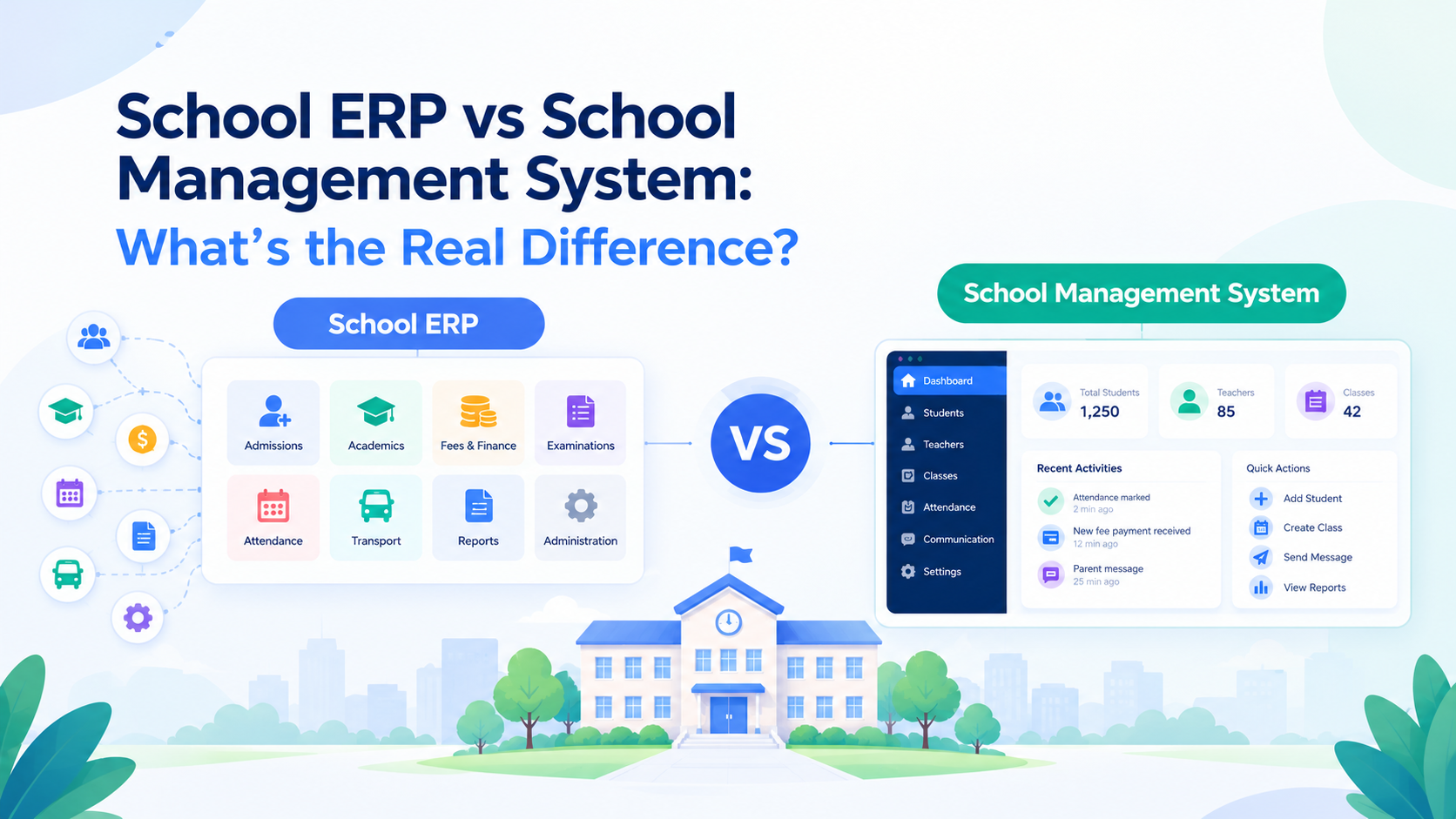
Short answer: A school management system runs academics and administration: admissions, attendance, exams, fees, and parent communication. A school ERP does all that and adds the business back office, including accounting, payroll, inventory, and multi-campus reporting, in one connected database. Every ERP includes school management, but not every school management system is a true ERP.
That's the textbook answer. The practical one is more useful: the label on the brochure tells you very little, but what's underneath it matters a lot. Below you'll find a side-by-side comparison, a 10-question scorecard, and a demo script for testing any vendor's claims.
School ERP vs school management system at a glance
| Comparison area | School management system (SMS) | School ERP |
|---|---|---|
| Core purpose | Run daily academic and admin work | Run the whole institution, academic and operational |
| Typical modules | Admissions, student records, attendance, timetable, exams, fees, parent communication | Everything in an SMS, plus accounting, HR/payroll, inventory/assets, procurement, transport, multi-campus consolidation |
| Main users | Teachers, front office, parents | Owners, principals, finance and HR teams, plus all SMS users |
| Finance depth | Fee collection and receipts | Full ledgers, expenses, budgets, payroll posting |
| Data model | Often modular, sometimes loosely connected | One shared database: enter once and it flows everywhere |
| Best for | Single campus, simpler operations | Growing schools, groups, complex finance and staffing |
| Setup effort | Usually faster | Usually longer, because it must mirror how your school handles money and people |
| Main risk | Outgrowing it | Paying for depth you never use |
The pattern is common, but vendors vary. Treat this table as a map, not a rule.
What is a school management system?
A school management system is software that digitizes the daily work of running classes and the front office. It replaces registers, spreadsheets, and scattered messaging with one place for student and guardian records, attendance, timetables, assessments and report cards, fee billing and collection, and communication with parents.
Think of it as the academic and administrative core. It answers questions like: Who's in Grade 7B? Who was absent today? Which fees are overdue? Has the report card gone out?
A good SMS is not "lite." Many handle large schools well. The limitation is usually scope: finance beyond fee collection, payroll, and inventory may be thin or missing. For a feature-by-feature breakdown, see our complete school management system guide.
What is a school ERP?
ERP stands for Enterprise Resource Planning. In business, it connects finance, people, inventory, and operations so every department works from the same data. A school ERP applies that idea to education, where the "enterprise" is your institution.
The defining feature isn't the number of modules. It's integration. When a parent pays a fee, an ERP can update the student account, post to the accounting ledger, issue the receipt, and refresh the principal's dashboard without anyone re-typing anything.
That's also why the ERP concept matters for schools that are growing. Our overview of ERP software for schools walks through the full feature set, benefits, and selection steps.
Why the labels blur (and why it helps to know)
If you've compared vendors, you've seen the same product called a school ERP on one page, a management system on another, and an "operating system" on a third. There are three reasons:
- Marketing. "ERP" sounds enterprise-grade, so it sells.
- Convergence. Modern management systems have added finance and HR, while ERPs have simplified their school-facing features. The two categories have overlapped for years.
- Different roots. Some products grew out of a student information system (SIS), some from a learning management system (LMS), and some from accounting software. Each carries its origin into its marketing.
The takeaway: treat "ERP" and "management system" as claims to verify, not as specifications.
The four layers: SIS, SMS, ERP, LMS
Education software terms are easier to compare as layers than as rivals.
| Layer | What it owns | Example question it answers |
|---|---|---|
| SIS (student information system) | Official student records: enrollment, profiles, grades, history | "Who is this student and where do they belong?" |
| SMS (school management system) | SIS plus daily operations: attendance, timetable, exams, fees, communication | "How did today's operations go?" |
| ERP | SMS plus back office: accounting, payroll, inventory, multi-campus reporting | "How is the whole institution performing?" |
| LMS (learning management system) | Teaching content, assignments, quizzes, learning progress | "What has this student learned and submitted?" |
An LMS is a different kind of tool. It supports learning rather than operations, which is why the strongest setups keep the LMS connected to the same student, class, and staff records instead of maintaining parallel lists.
Not sure which modules sit in which layer? Our guide to school ERP modules explains every module a school system should have.
The 5 real differences
1. Scope: classroom vs. whole institution
An SMS stops at the edge of the school's academic and front-office work. An ERP continues into finance, staffing, assets, and consolidated reporting.
2. Back-office depth
This is the most concrete difference. Ask whether the system supports:
- Payroll with salary structures, allowances, deductions, and payslips tied to staff attendance
- Accounting with real income and expense ledgers, not just a fee register
- Inventory for uniforms, lab stock, library assets, or equipment
If those are real, you're looking at ERP capability. If they're a list of staff names and a receipt book, you're not, whatever the brochure says.
3. Data model: connected vs. stitched together
In a loosely integrated system, admissions and fees might each hold their own copy of a student. In an integrated ERP, there's one record, and every module reads from it. This is what makes cross-department reporting reliable.
4. Scale and complexity
Multiple campuses, many staff, complex fee structures, and boards or trustees who want one consolidated view all push a school toward ERP-level capability. A single small campus usually doesn't need that.
5. Implementation effort
Because an ERP has to mirror how your school actually handles money and people, setup takes more planning, configuration, and training. Our school ERP implementation roadmap covers the steps, timeline, and checklist.
Which one does your school need? Three scenarios
Scenario A: a single-campus school replacing paper and spreadsheets. You need records, attendance, fees, exams, and parent communication to work smoothly. A solid school management system covers this. An ERP's back-office depth would mostly sit unused.
Scenario B: a growing school with 100+ staff and complex fee plans. Payroll tied to attendance, proper accounting, and one dashboard for leadership start to matter. Here you're in ERP territory, or at least a management system with genuine ERP modules.
Scenario C: a multi-campus group, college, or university. You need each campus's data isolated yet consolidated for owners and trustees, with consistent processes across sites. Higher education adds credit systems and program structures on top. This is the clearest case for a true ERP, and our guide to the academic ERP system covers what changes at that scale.
8 signs you've outgrown a basic system
If three or more apply, you're likely ready for ERP-level capability:
- Finance exports fee data to a separate accounting tool every month
- Payroll runs in spreadsheets, disconnected from staff attendance
- Leadership requests reports from several departments and waits days
- Student data is re-entered in more than one place
- You're adding campuses or planning to
- Inventory and assets (uniforms, labs, library) are tracked on paper
- Fee structures vary by class, sibling, scholarship, or campus
- Audits or trustee reviews expose mismatched numbers between departments
The 10-point decision scorecard
Answer yes or no:
- Do we run more than one campus (or plan to within 2 years)?
- Do we process payroll for more than a handful of staff?
- Do we need accounting beyond fee receipts?
- Do we manage physical inventory or assets?
- Do leaders need one consolidated dashboard across departments?
- Do we have finance or HR staff who would use back-office tools daily?
- Are fee structures complex (discounts, installments, multiple heads)?
- Do trustees, boards, or regulators require detailed reporting?
- Do we expect to double in size within 3 years?
- Do we have the capacity for a longer setup and staff training?
0-3 yes: A strong school management system is probably the right fit. 4-6 yes: Look for a management system with real ERP modules, and check that they're included, not a separate purchase. 7-10 yes: A full school ERP is likely worth the setup effort.
How to test the label in a demo
Don't ask "Are you an ERP?" Ask vendors to do things. Request a live walkthrough of:
- A fee payment end to end: payment recorded, then student account, ledger, receipt, and dashboard
- A payroll run: staff attendance feeds salary; show a payslip
- A new student: from application to class allocation, with no re-entry
- A multi-campus report: consolidated view, with campus data kept separate
- A permissions check: what a teacher, a parent, and an accountant can each see
Red flags:
- "ERP" modules that appear only as menu items, with no working workflow
- Payroll or accounting sold as a separate, un-integrated product
- No role-based access
- Vague answers about data export and ownership
- Pricing that hides which modules are included
Cost, migration, and the "start small" trap
An ERP usually costs more than a basic management system, because it does more. But the real cost question is broader: What will it cost us if we outgrow our choice?
Moving from one system to another means migrating records, retraining staff, and risking data errors. If you expect significant growth, a modular platform, where you switch on only the modules you need now, can be cheaper over time than starting with a basic tool and re-platforming later.
A practical approach: pick a platform whose roadmap covers your 3-year needs, and phase the rollout. Start with academics, attendance, and fees, then add payroll, accounting, and inventory as your team is ready.
Interoperability and compliance checks
Whichever you choose, check these before you sign:
- Integrations: payment gateways, biometric or RFID attendance, SMS/WhatsApp/email, accounting tools.
- Single sign-on and rostering: can it connect to your identity provider and your LMS so users and classes stay in sync? Ask whether it supports the 1EdTech OneRoster standard, which is designed for exchanging class rosters between a student information system and learning tools.
- Data protection: look for encryption, role-based access, and backups. In the US, the FERPA regulations set conditions for when a vendor can act as a "school official" with access to student records. In the EU and UK, see the European Commission's overview of GDPR and data protection rules. Confirm details with your legal counsel.
- Independent security assurance: ask whether the vendor is certified to ISO/IEC 27001, the international standard for information security management.
- Hosting: cloud or on-premise? Our guide to cloud-based school ERP compares both, including cost and security.
- Data ownership: can you export everything, in usable formats, if you leave?
Where Clast fits
Clast is an all-in-one education management platform that brings academic delivery, institutional communication, student and staff administration, assessments, attendance, task and workflow management, and real-time analytics into one system. It's built for schools as well as academies, colleges, and universities. The idea is simple: start with what your school needs today and grow without switching tools.
If you're comparing options, see our roundup of the best ERP software for schools in 2026 and the wider top school ERP software buyer's guide.
Conclusion
"School ERP" and "school management system" overlap, but the difference is real where it counts: finance, payroll, inventory, integration, and scale. Use the scorecard to size your needs, use the demo tasks to verify vendors, and favor platforms that let you grow without re-platforming.
Ready to see how it works in practice? Book a live demo of Clast and walk through your own admissions, attendance, and fee workflows, or get started for free.