
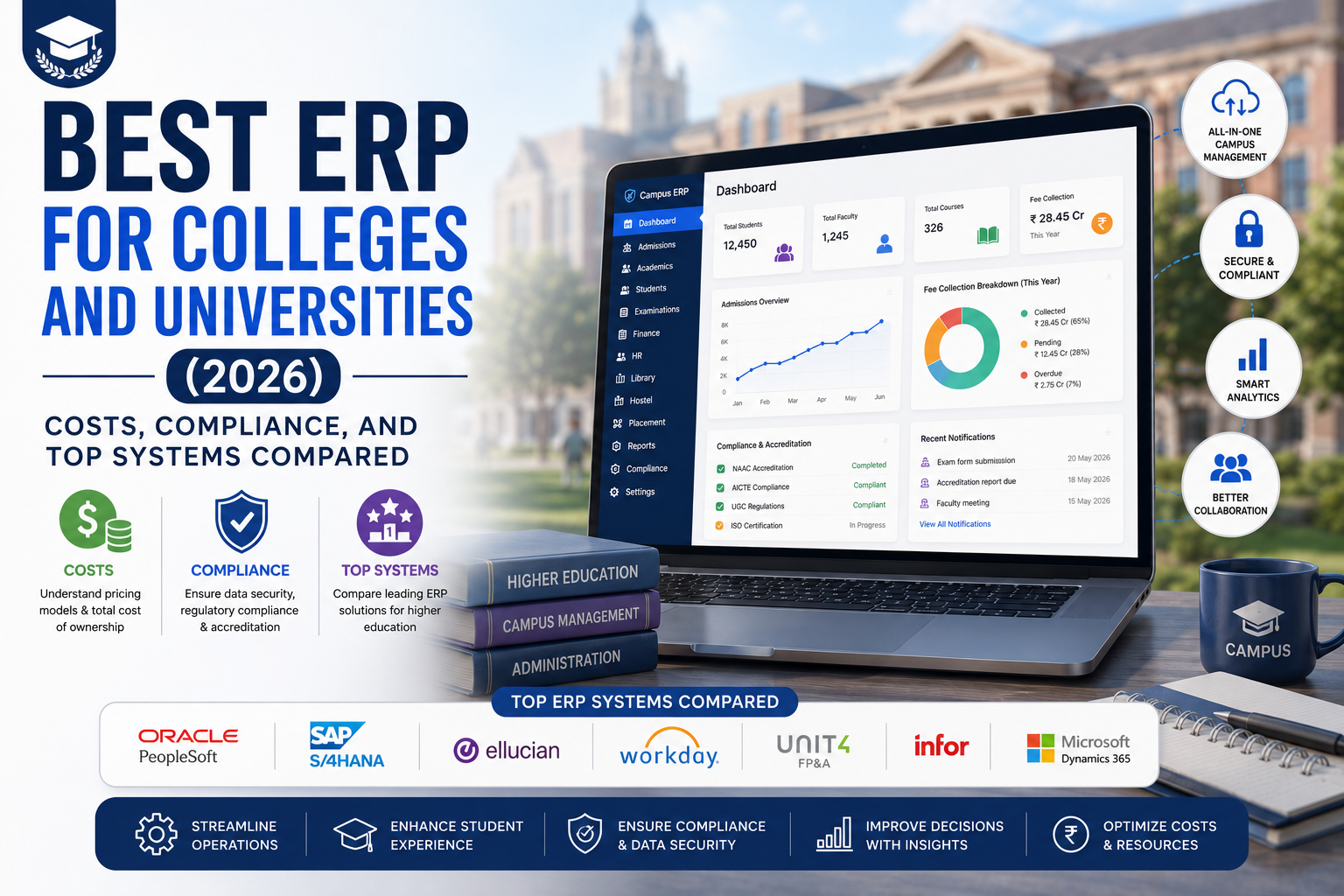
Most colleges and universities don't fail at picking ERP features they fail at picking the wrong category of ERP for their size, then discover the compliance gaps eighteen months into implementation. This guide skips the sales pitch and gets straight to what actually differentiates these systems: what they cost, who they're really built for, and where each one runs into trouble.
Whether you're searching for software for colleges and universities, comparing higher education ERP systems, or evaluating whether a cloud ERP for education institutions makes sense for your campus, this guide breaks down real pricing, real implementation timelines, and where each platform actually falls short.
Quick answer: For most colleges and universities under 15,000 students, a cloud-native, education-first platform Clast, Jenzabar, or Classe365 will implement faster and cost less than adapting a generic enterprise ERP like SAP or Oracle. Large research universities with complex grant portfolios and endowments generally need Workday Student, Ellucian Banner, or Oracle PeopleSoft Campus Solutions, because those systems have decades of purpose-built research-administration functionality that smaller platforms haven't had to build yet.
The rest of this guide explains why, with real pricing bands, a compliance primer most articles skip, and a side-by-side comparison across nine systems.
What Is an ERP System for Colleges and Universities?
An ERP (Enterprise Resource Planning) system for colleges and universities is software that unifies academic, administrative, and financial operations under one data model, instead of running admissions, registration, billing, HR, and reporting as separate disconnected tools.
This is sometimes called an ERP system for university operations, an ERP system in university IT departments, or simply software for colleges and universities the terminology varies by institution, but the function is the same: one connected system instead of five disconnected ones.
When a student enrolls, that record should automatically flow into attendance tracking, exam scheduling, fee management, and financial aid without anyone re-keying data across five systems. Registrars, finance staff, faculty, and students work from the same live data instead of reconciling exports at the end of every term.
ERP vs SIS vs LMS what's actually different
This trips up a lot of first-time buyers, so it's worth being precise:
- SIS (Student Information System) handles academic records only enrollment, grades, transcripts, degree audits.
- LMS (Learning Management System), like Moodle or Canvas, delivers and manages course content.
- ERP covers finance, HR, procurement, and institution-wide reporting and in modern platforms, typically includes SIS functionality and integrates with an existing LMS rather than replacing it.
If someone tells you "we just need an SIS," they usually mean they need an ERP system for university management that has strong academic-records functionality built in.
6 Signs Your Institution Needs an ERP
Institutions rarely wake up one day and decide to buy an ERP the need shows up gradually, then all at once. If two or more of these are true for your institution, an ERP evaluation will pay for itself faster than another year of workarounds:
- Registrar, finance, and HR each keep their own "master spreadsheet." When reconciling those three takes a recurring half-day every week, the cost of bad data already exceeds the cost of evaluating a system.
- A compliance or accreditation review turned up a documentation gap. If you're already pulling exports and screenshots to answer "show me the audit trail," the next step is usually a formal ERP system for college search.
- You've crossed roughly 2,000–3,000 students or added a second campus. This is where manual reconciliation between departments starts compounding instead of just being annoying.
- Your current system's vendor has announced end-of-life or been acquired. Staying on an unsupported legacy platform carries real security and audit risk.
- Financial aid, admissions, and billing data live in three places that don't talk to each other, forcing staff to manually match records every cycle.
- You're planning a merger, new campus, or major enrollment push and need consolidated reporting across entities that doesn't currently exist a common trigger for evaluating multi-institutional software for colleges and universities.
Best ERP Systems for Colleges and Universities in 2026
Whether you're looking for the best ERP for universities, the best ERP for higher education, or the best ERP software for colleges at a smaller scale, the right answer depends less on brand recognition and more on institution size and compliance complexity.
Pricing below reflects typical starting points and total cost of ownership (licensing + implementation + first-year support) gathered from vendor pricing pages and public benchmarks. Get a firm quote for your specific student count and module scope these are directional, not contractual.
| ERP Platform | Best For | Starting Price | Typical Implementation | Cloud Native | Multi-Campus |
|---|---|---|---|---|---|
| Clast | Small-to-mid colleges & universities wanting fast, all-in-one deployment | Per-student subscription (quote-based) | 4–8 weeks | Yes | Yes, native |
| Jenzabar One | Smaller private universities and specialized graduate institutions | Custom quote | 3–6 months | Yes | Partial |
| Classe365 | Comprehensive education management on a budget | From $50/user/month | 2–4 months | Yes | Limited |
| Anthology | Mid-size institutions modernizing legacy SIS | Custom quote | 6–12 months | Yes | Partial |
| Unit4 ERP | Universities and public-sector orgs prioritizing people-centered finance/HR | ~$95/user/month | 5–10 months | Yes | Yes |
| Ellucian Banner | Large research universities wanting the most widely deployed higher-ed platform in North America | Custom quote | 12–24 months | Partial (cloud + on-prem options) | Yes |
| Workday Student | Large institutions modernizing legacy PeopleSoft/Banner, strong HR/finance unification | Custom quote (enterprise) | 12–24 months | Yes | Yes |
| Oracle PeopleSoft Campus Solutions | Large public research universities with complex research administration | Custom quote (enterprise) | 18–36 months | Partial | Yes |
| SAP S/4HANA for Education | Large universities with complex, multi-entity finance | ~$180/user/month (public cloud edition) | 6–18 months | Partial | Yes |
| OpenEduCat | Budget-conscious or technically self-sufficient institutions wanting open-source control | From ~$575/year | Varies (self-managed) | Yes | Limited |
How to read this table: deployment speed and price roughly track institution complexity, not institution size alone. A 25,000-student community-college system with simple finance can implement faster and cheaper than a 5,000-student research university juggling federal grants and an endowment.
Key Modules of a College or University ERP
A comprehensive higher education ERP software should cover:
- Student & Admissions Management enrollment history, course registration, document verification, automated admissions workflows
- Course & Timetable Management scheduling with automated conflict detection across departments and campuses
- Attendance & Examination attendance tracking, exam scheduling, grading, transcript generation
- Fee & Financial Management fee collection, scholarships, grants, payment gateway integration
- Library & Resource Management borrowing records, digital asset access, research-tool links
- HR & Payroll staff records, payroll, leave, performance evaluation, faculty workload management
- LMS Integration syncing enrollment, grades, and records with Moodle, Canvas, or your existing LMS
- Parent/Guardian Portal attendance, grades, and fee visibility where applicable
- Analytics & Reporting Dashboards configurable, role-based dashboards from registrar to CFO
Compliance and Reporting: What Colleges and Universities Actually Need to Verify
This is the section most ERP comparison articles skip and it's where evaluation teams get burned. Before you shortlist anything, confirm the platform actually supports:
FERPA (Family Educational Rights and Privacy Act). Governs who can access student education records and under what circumstances. Every ERP touching student data needs role-based access controls, audit logging, and consent-tracking features that map to FERPA's disclosure rules not just generic "permissions."
Title IV financial aid administration. If your institution participates in federal financial aid, your ERP needs to handle COD (Common Origination and Disbursement) integration, Satisfactory Academic Progress (SAP) monitoring, and Return to Title IV (R2T4) calculations when students withdraw. This is a genuinely complex compliance area ask vendors for a live demo of R2T4 calculation, not just a feature-list checkbox.
Accreditation reporting. Regional and programmatic accreditors (and, for public institutions, IPEDS data collection) expect structured, auditable data extracts. Platforms with pre-built compliance dashboards save significant staff time versus manually assembling accreditation packets each cycle.
Research and grant compliance (larger institutions only). If your institution manages federal research awards, you'll additionally need Uniform Guidance (2 CFR 200) cost-accounting support, effort reporting, and indirect cost rate application. This is the single biggest functional gap between education-first platforms (Clast, Jenzabar, Classe365) and legacy enterprise systems (Banner, PeopleSoft, Workday) the enterprise platforms have a decades-long head start here because major research universities have been demanding it since the 1990s. If sponsored research is a significant part of your operation, weight this heavily in your evaluation.
Data residency and state requirements. Public institutions in some states and countries face data-sovereignty rules that affect whether a multi-tenant cloud platform is even eligible. Confirm this early it can eliminate otherwise-strong candidates in one conversation.
What Does a College or University ERP Actually Cost?
Total cost of ownership includes licensing, implementation services, data migration, training, and ongoing support not just the subscription line item vendors lead with.
| Institution Size | Typical Total Cost of Ownership | Implementation Cost Range |
|---|---|---|
| Small college (under 2,000 students) | $30,000–$150,000/year | $20,000–$100,000 |
| Mid-size institution (2,000–15,000 students) | $150,000–$600,000/year | $150,000–$1,000,000 |
| Large multi-campus university (15,000–50,000+ students) | $600,000–$2,000,000+/year | $1,000,000–$10,000,000+ |
| Enterprise research university (large, complex grants/endowment) | $1,500,000–$10,000,000+/year | $3,000,000–$25,000,000+ |
A few things that consistently blow up TCO estimates: data migration from legacy systems (almost always underestimated), role-specific training across student/faculty/finance/admin user groups, and the "we'll just add this module later" scope creep that shows up in year two. Ask every finalist for a three-scenario quote: baseline scope, baseline plus 25% (the modules you'll inevitably add), and baseline plus 50% timeline (because implementations slip). The vendor that wins on the happy-path number isn't always the one that wins once you're living in the real scenario.
Cloud ERP for Education Institutions: Why It's the Default in 2026
The majority of new higher-ed ERP deployments in 2026 are cloud-based, and institutions on legacy on-premise systems are actively migrating. The reasons are consistent across institution size:
- Lower total cost of ownership no server hardware, no dedicated infrastructure team, predictable per-student or subscription pricing
- Anywhere access critical for multi-campus operations where staff and students need consistent access regardless of location
- Automatic updates vendors handle patches and new features without scheduled downtime
- Scalability without re-implementation growing from 1,000 to 10,000 students, or adding campuses, doesn't require rebuilding the system
On-premise still fits institutions with strict data-residency regulations, heavy existing legacy IT investment, or a preference for full infrastructure control but for most institutions evaluating a cloud ERP for education institutions in 2026, cloud is the default starting point, not the exception.
Multi-Campus ERP: What "Native" Support Actually Means
For institutions searching for multi-institutional software for colleges and universities, or evaluating the best enterprise software for multi-campus institutions, this is the section to read closely multi-campus claims vary more between vendors than any other feature area.
Multi-campus management is one of the clearest differentiators between platforms and one of the easiest places for vendors to overstate their capability. The best multi-campus ERPs provide:
- Unified student records accessible to authorized staff regardless of which campus a student is enrolled at or transfers between
- Centralized financial reporting with per-campus drill-down
- Role-based access per campus local administrators see their campus by default; central management sees across all of them
- Single sign-on across ERP, LMS, email, and library systems
The pitfall to watch for: many legacy ERPs were built for single-campus operation and had multi-campus support bolted on later. This usually shows up as inconsistent data structures, awkward reporting workarounds, and features that technically exist but require support tickets to configure correctly. In a demo, don't ask "do you support multi-campus" ask the vendor to run a live cross-campus report with a student record that transferred between locations. That's where bolt-on architectures fall apart.
How to Choose the Right ERP: A 6-Step Evaluation Framework
1. Map every department's requirements before you take a demo. Academic registry, finance, IT, and student services often have conflicting priorities. Document them all first, or you'll shortlist based on whoever's loudest in the room.
2. Confirm LMS integration is native, not middleware. If you run Moodle or Canvas, ask for a live integration demo with your specific version not a slide claiming "integrates with."
3. Test cross-campus reporting in the demo, not the sales deck. As above this is where multi-campus claims get separated from multi-campus reality.
4. Verify compliance depth against your specific obligations. FERPA is table stakes; Title IV and Uniform Guidance depth vary enormously by vendor. Match this against your institution's actual profile (see the compliance section above) rather than assuming all vendors are equivalent.
5. Calculate three TCO scenarios, not one. Baseline quote, baseline + 25% scope, baseline + 50% timeline. Negotiate a renewal cap (CPI + 3% is common) before signing year-one pricing is rarely where vendors make their margin.
6. Ask for reference calls with institutions your size, plus one difficult go-live. Every vendor will offer their three happiest customers. Ask specifically for a reference in your size band and sub-vertical, and one that had a rocky implementation. How the vendor responds to that request tells you almost as much as the call itself.
ERP Implementation for Colleges and Universities: What to Expect
Understanding the common failure points helps institutions plan around them rather than discover them mid-project.
Resistance to change. Staff accustomed to legacy processes push back on new systems. Early stakeholder involvement and visible leadership support consistently produce faster adoption than top-down mandates.
Data migration. Migrating historical student, financial, and HR records from legacy systems is the most technically complex part of most implementations, and poor migration is the leading cause of project delays. Best practice: run parallel systems for at least one full academic term before full cutover, and validate migrated data at the individual record level.
Do You Need ERP Managed Services?
Many institutions underestimate ongoing support needs after go-live. ERP managed services for higher education vendor- or partner-led support covering system updates, integration maintenance, and user-access administration are worth budgeting for separately from implementation costs, especially for institutions without a large in-house IT team.
If you're migrating from a legacy platform, ask any shortlisted vendor specifically about their higher education ERP migration services: how they validate historical student records, how long parallel-run periods typically last, and what support looks like in the first two academic terms after cutover not just during the migration project itself.
Training across user groups. Students, faculty, administrators, and finance staff have very different technical comfort levels. Budget for role-specific training rather than one generic onboarding track short, context-specific videos consistently outperform long manuals for adoption.
Integration complexity. Connecting the ERP to your LMS, payment gateways, library systems, and any government reporting portals requires dedicated technical resources and should be scoped and tested well before go-live, not during it.
Typical implementation timelines
- Small college (under 2,000 students), cloud ERP: 4–8 weeks to 6 months, depending on platform
- Mid-size institution (2,000–15,000 students): 6–12 months
- Large multi-campus university (15,000+ students): 12–24 months
- Enterprise on-premise or hybrid ERP (any size): 18–36 months
Future Trends in University ERP Systems
- AI and predictive analytics are moving from novelty to standard helping institutions anticipate performance issues and dropout risk before it becomes a retention problem, not just a report after the fact.
- Mobile-first platforms are now the expectation, not a differentiator mobile exam check-in, fee-deadline push notifications, and grade access from a phone are table stakes in 2026.
- Deeper LMS integration continues to blur the line between academic delivery and administrative operations.
- AI-powered timetabling can optimize room utilization and reduce faculty scheduling conflicts at a scale manual scheduling can't match.
- Open API ecosystems are giving institutions more freedom to integrate specialist tools instead of being locked into one vendor's full stack.
Why Institutions Choose Clast
Clast was built for academic institutions from the ground up, not adapted from a generic business ERP. For colleges and universities that don't need the multi-year implementation and enterprise-grants complexity of Banner, Workday, or PeopleSoft, Clast is built around three priorities:
- Fast, real implementation most institutions go live in 4–8 weeks, not months or years
- Native multi-campus architecture centralized management with per-campus role-based access, built into the data model rather than configured around it
- Native Moodle and Canvas integration academic and administrative data stay in sync without middleware
- AI-powered analytics predictive dashboards for retention, performance trends, and financial health
- Built-in fee management online payments, scholarship tracking, and financial reporting in one platform
Clast is the right fit for small-to-mid colleges and universities, including multi-campus institutions, that want education-first software for colleges and universities without enterprise-scale implementation timelines. If your institution manages a large federal research grant portfolio or complex endowment fund accounting, an enterprise platform with decades of research-administration functionality (Workday, Banner, or PeopleSoft) is worth the longer implementation.
Conclusion
An ERP system for colleges and universities is no longer optional it is the operational backbone of any modern academic institution. By centralizing administrative, academic, and financial operations into a single platform, a well-chosen university ERP eliminates inefficiency, improves data quality, and frees staff to focus on what matters most: student outcomes.
The key takeaways from this guide:
- Cloud ERP is the right choice for most institutions in 2026 faster to deploy, lower cost, more scalable
- Multi-campus support should be architecturally native, not added via configuration
- LMS integration (Moodle/Canvas) is a must-have, not a nice-to-have
- The best ERP for small colleges prioritizes simplicity, all-in-one modules, and predictable pricing
- AI-powered analytics and predictive dashboards are the defining feature of next-generation higher education ERP systems
For institutions ready to modernize campus operations, Clast offers a purpose-built higher education ERP that covers everything from admissions to analytics with a free trial and live demo available today.