
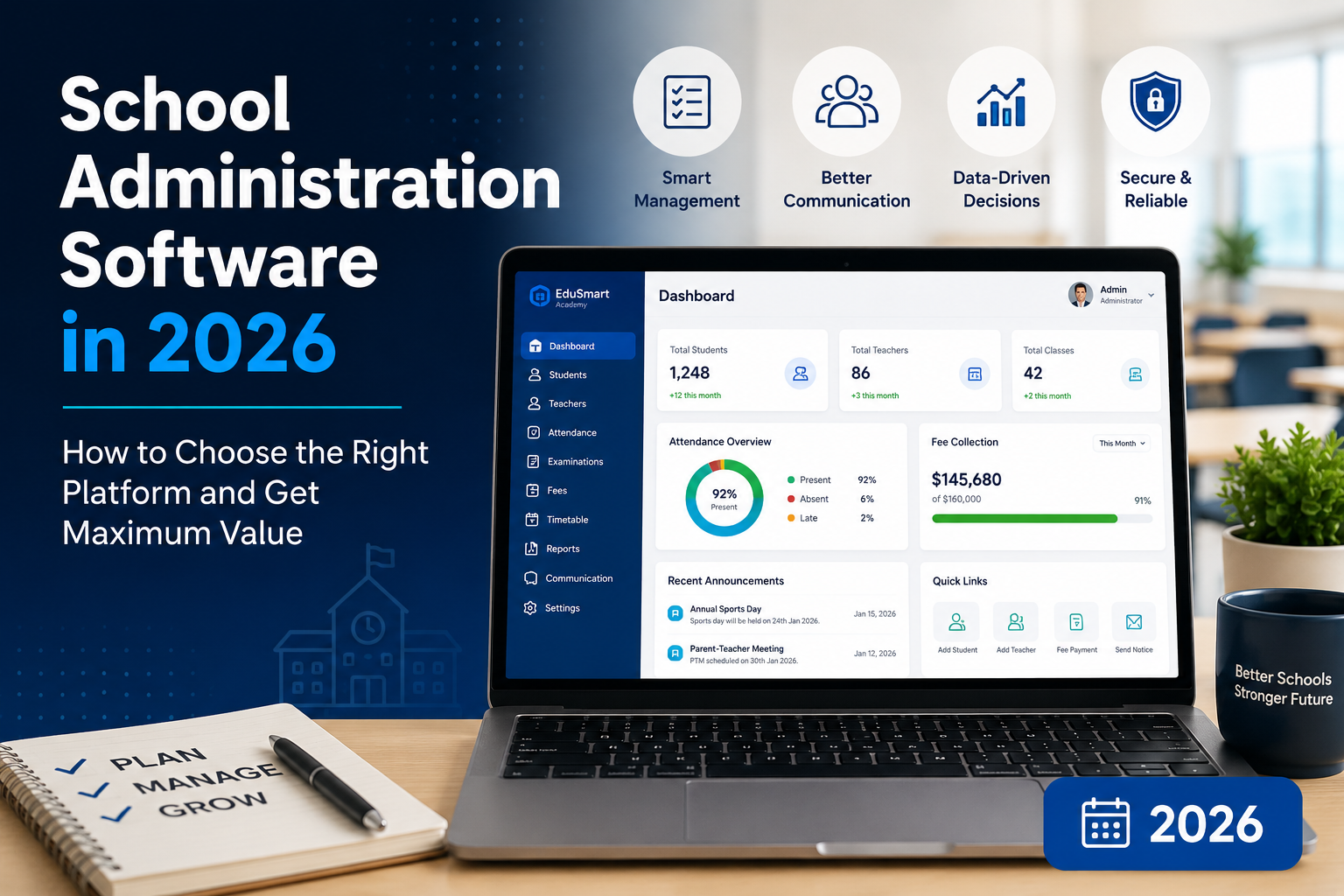
Managing a school has never been a simple job but it's become significantly more complex in the last decade. Administrators now juggle compliance requirements, multi-channel parent communication, hybrid learning schedules, financial reporting, and real-time student performance data, often across systems that don't talk to each other. That's the problem school administration software was built to solve.
This guide cuts through the noise. Whether you're evaluating your first digital platform, replacing an outdated system, or trying to convince your board that the investment is worth it, you'll leave here with a clear picture of what this software actually does, how to pick the right one, and what to watch out for.
What Is School Administration Software?
School administration software is a digital platform that centralises the operational, academic, and financial functions of an educational institution. Think of it as the nervous system of your school: every department admissions, academics, finance, HR, communications feeds into a single environment rather than existing in isolated spreadsheets, paper files, or disconnected apps.
The terminology in this space can be confusing, so it helps to understand the core categories:
School Management System (SMS): The broadest term, covering the full range of administrative and academic operations. An SMS typically includes a Student Information System, scheduling, attendance, gradebook, fee management, and parent/teacher portals under one roof.
Student Information System (SIS): The data backbone of a school. An SIS maintains student records enrollment details, demographics, academic history, health data, emergency contacts and makes that information available to authorised staff in real time.
Learning Management System (LMS): Focused on the instructional side: course delivery, assignments, discussion boards, online assessments, and learning materials. Platforms like Canvas, Moodle, and Schoology are LMS-first products. Many modern SMS platforms now include LMS functionality or offer clean integrations.
School ERP (Enterprise Resource Planning): Borrowed from the corporate world, a school ERP extends beyond academic administration to include full financial management, HR and payroll, procurement, and sometimes asset management. Large districts and universities typically need ERP-level depth.
Understanding which category fits your actual needs is the first decision that shapes everything else.
The Business Case: Why Schools Are Investing Now
The school administration software market is growing fast and for good reason. The market is valued at approximately $23.9 billion in 2026 and is expected to reach $42.58 billion by 2030, expanding at a CAGR of 15.5% This isn't just vendor optimism; it reflects a fundamental shift in how institutions are being managed.
The pressures driving adoption include:
- Regulatory complexity. Data privacy laws FERPA in the United States, GDPR in Europe require documented, auditable records of student data handling. Spreadsheets can't reliably deliver that.
- Staff turnover. When institutional knowledge lives in people's heads rather than a shared platform, every departure is a data risk. A centralised system makes that knowledge persistent and transferable.
- Parent expectations. Families now expect the same real-time access to their child's grades, attendance, and fee status that they get from banking apps. Platforms that can't deliver this are becoming a competitive liability for schools competing on enrollment.
- Operational costs. Manual processes aren't just slow they're expensive. Time spent on data entry, fee chasing, report generation, and paper-based attendance is time not spent on students.
- Security incidents. A 2024 ransomware attack at Los Angeles Unified exposed 540,000 student records and cost USD 18 million in remediation, making the security argument for cloud-based, professionally managed platforms harder to ignore.
Core Features Every Platform Should Have
Not all school administration software is equal. Before comparing vendors, it helps to know which capabilities are non-negotiable versus which are nice-to-have differentiators.
Student Information Management
This is the foundation. The system should maintain a single, complete profile for every student enrollment history, academic records, health data, behavior notes, and family contacts that all authorised staff can access. Updates in one module should propagate across the system automatically. If your fee team is looking at different student data than your admissions team, you don't have a system; you have a more expensive version of the spreadsheet problem.
Attendance Tracking
Modern platforms have moved well beyond paper registers. Look for systems that support multiple collection methods manual entry, QR codes, RFID card scanning, biometric integration and that generate automated alerts for absence patterns. Parents should receive same-day notifications when a student is marked absent without excuse. Reports should show individual and class-level trends over time, not just daily snapshots.
Gradebook and Academic Records
Teachers need to be able to record grades quickly from any device. Administrators need to run performance reports by class, year group, subject, or teacher. The system should support multiple grading scales (percentage, letter grade, pass/fail, GPA), weighted grade calculations, and customisable report card templates. Exam scheduling, result generation, and transcript production should require no manual formatting.
Fee Management and Financial Operations
This is where a lot of schools leave money on the table. A solid fee management module handles structured fee plans, payment processing (online and in-person), automated invoice generation, overdue reminders, defaulter tracking, and financial reporting all without manual reconciliation. For larger institutions, this should connect to the broader accounts module covering income, expenses, and audit-ready reporting.
Admissions and Enrollment
Effective admissions software handles the entire funnel: inquiry capture, application submission, document collection, eligibility review, acceptance communications, and enrollment confirmation. Online portals that give prospective families visibility into their application status reduce administrative phone traffic significantly. For schools with rolling admissions or large seasonal intake, automation here is directly tied to revenue protection.
Parent and Student Portals
The communication layer of a school administration platform determines how much value families actually see from the investment. Parents should be able to check attendance, grades, fee balances, homework, and school announcements through a single login not four separate apps. Students need access to timetables, assignments, results, and library resources. The quality of these portals is often what drives day-to-day adoption, which in turn determines whether the investment pays off.
Staff and HR Management
Employee records, contract details, leave tracking, payroll integration, performance notes for schools running on manual HR processes, these are consistent time sinks. An integrated staff management module lets administrators handle hiring paperwork, track attendance and leave balances, and connect payroll data to financial reporting without re-entering information across systems.
Timetable and Scheduling
Scheduling is one of the hardest problems in school administration. Platforms that can detect conflicts across rooms, teachers, and student groups and suggest solutions automatically save weeks of manual work at the start of each term. For schools running hybrid or block scheduling, the timetabling module's sophistication is a major differentiator.
Communication Tools
Built-in messaging, SMS alerts, email notifications, and announcement boards reduce the need for third-party communication tools. The best platforms let administrators send targeted communications to specific groups all parents of Year 7 students, all teachers on a specific timetable block rather than broadcasting everything to everyone.
Analytics and Reporting
Data is only useful if it's accessible. A school administration platform should let non-technical staff generate meaningful reports without IT involvement: attendance trends, fee collection rates, academic performance by demographic, enrollment projections, and staff utilisation. AI-driven features predictive analytics that flag at-risk students before issues escalate are increasingly becoming a baseline expectation rather than a premium add-on.
Cloud vs On-Premise: The Architecture Decision That Shapes Everything
This is often the first major decision, and it has implications well beyond technology.
Cloud-based platforms are hosted and maintained by the vendor. Your data lives on their servers (typically distributed across multiple data centres), and updates happen automatically. You access the system through a browser or mobile app. The advantages: no servers to maintain, lower upfront cost, automatic backups, and access from anywhere. The risk: you're dependent on the vendor's security practices and uptime guarantees.
On-premise software runs on servers at your school. You control the infrastructure, the data, and the update schedule. For schools in areas with unreliable internet connectivity, this can be a practical necessity. The tradeoff: your IT team (or contracted support) carries the maintenance burden, and updates require manual intervention.
Hybrid deployments sit between these two. Some platforms offer local installation with cloud backup and sync, giving schools the ability to operate offline while still benefiting from centralised data management.
For most schools, cloud-based deployment is now the default.Cloud deployments hold 62.73% market share and continue to expand rapidly due to cybersecurity and scalability advantages. Reputable cloud vendors maintain compliance with data regulations, offer enterprise-grade security, and can scale with your institution without infrastructure investment on your end. That said, the on-premise argument isn't dead particularly for schools with sensitive data requirements, limited internet infrastructure, or strong IT capacity.
The Buyer's Landscape: Who Makes School Administration Software?
The market splits cleanly by institution type. Here's a practical breakdown of the major categories and the names you'll encounter in each.
For Large K-12 Districts and Public School Systems
These institutions need platforms that can handle thousands of students across multiple campuses, integrate with state reporting systems, and manage HR and finance at scale alongside student data.
PowerSchool is the largest player in this space, offering an integrated ecosystem covering SIS, LMS (via its Schoology acquisition), talent management, and financial operations. It's the dominant choice for large U.S. public school districts, and its depth comes at a cost both financially and in implementation complexity.
Infinite Campus is known for its single centralised database architecture, which ensures that all departments admin, teaching staff, parents, students are always working from the same real-time data. Its state compliance reporting tools are particularly strong.
Skyward combines student management with back-office functions including payroll, HR, and financial management in an integrated platform. It's popular with public K-12 districts that want to consolidate student and operational data in one environment.
Frontline Education takes a different angle, with particular strength in Human Capital Management teacher recruiting, absence management, professional development tracking, and special education administration. It's the go-to for districts where workforce management is as high a priority as student records.
Alma is a cloud-native SIS that's earned a reputation for its intuitive interface and strong Google Classroom integration. Faster to implement than PowerSchool or Infinite Campus, it's a good fit for mid-sized K-12 schools and districts that prioritise ease of adoption.
For Private, Charter, and Independent Schools
Smaller institutions often don't need (or can't afford) enterprise-level complexity. These schools are better served by platforms that cover the core essentials gradebook, attendance, fee management, parent communication, enrollment without the overhead of district-scale tools.
Gradelink is a well-regarded option for small to mid-sized private and charter schools. Its focus is on simplicity: fast implementation (typically five to seven business days), an interface that staff can learn quickly, and strong customer support. Pricing is per-student per month, making it predictable for budget planning.
Blackbaud Education Management is built specifically for independent private schools, with integrated admissions, enrollment, tuition management, and fundraising tools. Its financial capabilities go beyond what most SMS platforms offer, which matters for independent schools where development and annual giving are significant revenue streams.
QuickSchools takes a modular approach schools pay only for the features they use making it accessible for institutions that don't need a full-featured platform from day one.
MySchoolWorx is designed for small faith-based and private K-12 schools, with strong parent communication features and a deliberately simplified interface.
For Higher Education
Universities and colleges operate at a different level of complexity: credit tracking, research administration, multi-faculty academic structures, registration for hundreds of courses, international student compliance, alumni management, and accreditation reporting.
Ellucian Banner is the enterprise standard for large universities. It's a comprehensive ERP covering the full student lifecycle from admissions through alumni relations, alongside finance and HR. Implementation is a major project typically months-long but the depth of functionality is unmatched for large institutions.
Classter is an all-in-one platform that covers SIS, LMS, and administrative functions with a stronger focus on international usability (ECTS credit tracking, multilingual support, EU data compliance). It serves higher education institutions and colleges that want AI-driven analytics without the complexity of a full Ellucian implementation.
Canvas LMS (by Instructure) is the leading learning management platform for higher education. While not a full SIS, it integrates cleanly with most student information systems and is the default course delivery tool at many universities. Its strength is in the instructional layer assignment management, grading, video content, discussion boards.
Free and Budget-Friendly Options
Free school management software exists and can be a legitimate solution, particularly for smaller schools in cost-constrained environments.
eSkooly markets itself as a 100% free platform with no student count limits, covering admissions, attendance, exams, fee management, and parent communication. It's trusted by a significant number of institutions globally and has earned recognition from credible sources. The trade-off is that free cloud platforms may have limitations in data control and long-term reliability that paid platforms don't.
Timeline School Manager is a free offline Windows application covering students, classes, attendance, fees, staff, exams, and accounts. For schools with limited internet infrastructure or data sovereignty concerns, an offline system has genuine advantages. The limitation is the absence of cloud-based parent portals and mobile access.
Open-source options like Fedena offer customisable modules that technical teams can extend and self-host, making them popular with schools that have in-house development capacity and want control over their infrastructure.
How to Evaluate and Compare Platforms
Vendor demonstrations are optimised to show the best case scenario. Here's how to evaluate platforms on the things that actually matter for your institution.
Start with your administrative pain points, not feature lists
Every school has specific bottlenecks. Before talking to vendors, spend time with your admin team identifying the three to five processes that consume the most time, generate the most errors, or cause the most friction with parents and staff. Those pain points should be the lens through which you evaluate every platform. A system that's strong in timetabling but weak in fee management isn't the right choice for a school whose biggest headache is collections.
Test the actual user interface with real users
A platform's ease of use is not something you can assess from a presentation. During any trial period, have teachers, admin staff, and if possible, parents use the system to complete typical tasks. The staff who will use the platform daily not the technology decision-maker should have input into the final choice. Adoption rate is the single most important success factor once implementation is complete.
Ask specific security and compliance questions
Don't accept generic assurances. Ask vendors exactly which data standards they comply with (FERPA, GDPR, COPPA, ISO 27001), how data is encrypted at rest and in transit, where data is stored geographically, what happens to your data if you cancel, and what their breach notification process looks like. Request to see their most recent security audit or penetration test summary. Any reputable vendor will have this information readily available.
Understand total cost of ownership
The licensing fee is not the full cost of a school administration system. Factor in implementation and data migration (which can range from a few days to several months depending on platform complexity), staff training, integration work with existing tools, ongoing support costs, and the internal time your team will spend during setup. For enterprise platforms, implementation services can equal or exceed the annual software cost in the first year.
Evaluate support quality before you need it
Support matters most when things go wrong during term time. Ask about support hours (including whether they cover your time zone), average response times, and whether support is included in the licence or charged per incident. Check independent review platforms G2, Capterra, Software Advice for patterns in support feedback, not just overall ratings.
Require a reference call with a comparable institution
Ask the vendor for two or three reference customers similar in size and type to your school. A five-minute reference call with a real administrator will tell you more than any demo. Ask them what they wish they'd known before implementing, what the biggest challenges were, and whether they'd choose the same platform again.
Implementation: What Actually Happens After You Sign
Even the best-designed platform will fail if implementation is rushed or under-resourced. The schools that get the most out of their investment treat implementation as a managed project, not a technical installation.
Data migration is almost always the hardest part. If you're coming from spreadsheets or a legacy system, your data will need to be cleaned, formatted, and imported into the new platform. Don't underestimate the time this takes, especially for historical academic records that need to be preserved for compliance. Build a data audit into your project timeline before migration begins.
Phased rollout typically works better than big-bang deployment. Rather than switching every module on simultaneously at the start of a new academic year, many schools find it effective to run core modules student records and attendance for a term before activating fee management and parent portals. This gives staff time to build confidence with the system before its scope expands.
Training isn't a one-time event. Plan for initial training, a follow-up session after two to four weeks of live use, and ongoing access to documentation and video resources. Different roles need different training depth: a teacher's training on the gradebook looks nothing like an administrator's training on financial reporting. Customise accordingly.
Communication with parents before launch matters. A parent portal that parents don't know about or understand won't reduce phone calls to reception it'll add to them. Build a simple launch communication that explains what the portal does, how to access it, and who to contact with questions.
Key Considerations for Different Institution Types
K-12 Public Schools
Public schools carry unique pressures: mandatory state reporting requirements, union-negotiated HR processes, and procurement rules that can limit flexibility. The two things that matter most when selecting a platform are state data compliance (your vendor needs to support your state's specific reporting formats) and the ability to handle district-wide deployment across multiple schools with centralised administration.
Private and Independent Schools
The flexibility that comes with operating outside the public system is an asset when selecting software but it also means no one is prescribing what you need. Focus on admissions and enrollment capabilities (which directly impact revenue), fee management robustness, and parent-facing features that reinforce the premium experience families expect. If your school has a development or advancement programme, look at whether the platform integrates with fundraising and CRM tools.
Higher Education
The student lifecycle in higher education is fundamentally different from K-12. Institutions need to manage course registration across hundreds of offerings, track credit accumulation toward degree requirements, handle grade appeals and academic probation processes, support international student compliance, and maintain alumni records well after graduation. Platforms built for K-12 will not scale to meet these needs. Evaluate vendors specifically on their higher education track record.
Small Schools and Training Centres
For institutions with under 300 students, the most important factors are simplicity and cost-effectiveness. Platforms that charge per student per month allow costs to scale proportionally with enrollment. Prioritise ease of use and implementation speed complex platforms that require months of setup are disproportionately expensive for small institutions.
AI and the Future of School Administration Software
Artificial intelligence is moving from buzzword to practical capability in school management tools. Major trends shaping the forecast period include increasing adoption of cloud-based school platforms, growing integration of data-driven academic analytics, expansion of centralised student information systems, and an enhanced focus on administrative automation
In practice, this means:
Predictive student analytics. Systems that can analyse attendance patterns, grade trajectories, and behavioral data to identify students at risk of academic difficulty or dropout before the problem becomes visible to a teacher through conventional means. This allows for earlier, targeted intervention.
Automated scheduling optimisation. AI-assisted timetabling that evaluates thousands of variable combinations (teacher availability, room capacity, student groupings, curriculum requirements) to produce optimised schedules without manual iteration.
Intelligent fee management. Predictive tools that identify families likely to miss payments based on historical data, allowing finance teams to proactively offer payment plans rather than reactively chasing arrears.
Intelligent communication. Systems that can draft and personalise parent communications, route inquiries to the appropriate staff member, and summarise academic updates for parents in plain language.
The caution here is to evaluate AI features on demonstrated outcomes, not marketing language. Ask vendors to show you specific examples of how their AI features have produced measurable results for current customers reduced time spent on specific tasks, improved attendance outcomes, reduced arrears rather than accepting capability descriptions at face value.
Common Mistakes to Avoid
Buying for features you don't need. The most feature-rich platform on the market isn't the best choice if 40% of its capabilities will never be used. Over-featured platforms come with over-complex interfaces, longer training requirements, and typically higher costs. Match platform depth to actual organisational needs.
Underestimating change management. Technology adoption in schools often fails not because of the software, but because of resistance from staff who were comfortable with existing processes. Involve end users in the selection process. Communicate clearly why the change is happening and what it means for their daily work. Identify internal champions in each department who can support their colleagues through the transition.
Choosing based on price alone. Free or very low-cost platforms can be the right choice for small schools with limited needs, but they often come with limitations in support, security, integration capabilities, and long-term viability. A platform that costs less but loses data, falls short on compliance, or gets discontinued creates costs that dwarf the savings.
Skipping the security review. Student data is protected by law, and the liability for a breach falls on the institution. Never deploy a platform without a clear understanding of its security architecture, compliance certifications, and contractual obligations around data protection.
Treating implementation as a technology project. The most successful implementations are led by administrators, not IT. The technology team handles the technical side, but the project ownership decisions about process, training, communication should sit with the people who will use the system.
Conclusion
The right school administration software doesn't just automate paperwork it changes what's possible for your institution. When administrative processes run well, teachers spend less time on compliance and more time on teaching. Parents have better visibility into their child's progress. Finance teams spend less time chasing overdue payments. Administrators can make decisions based on data rather than intuition.
Getting there requires honest thinking about what your school actually needs, careful evaluation of what the market offers, and realistic planning for implementation. But the institutions that invest in the right platform and invest in getting adoption right consistently find that the operational return justifies the cost within the first academic year.
The starting point is simpler than it seems: identify your three biggest administrative pain points, define who will use the system and how, and find a vendor whose platform addresses those problems directly. Everything else follows from there.