
If you've spent any time comparing systems, you already know the problem: everyone calls their product "education management software," but almost nobody agrees on what that actually includes. Is it the same as a student information system? Does it replace your LMS? Do you need one platform or five?
This guide cuts through that confusion. We'll define education management software clearly, show you exactly where it overlaps (and doesn't) with SIS, LMS, ERP, and ENT platforms, walk through the modules that actually matter, and give you a practical framework for choosing and implementing one without the sales pitch.
What Is Education Management Software?
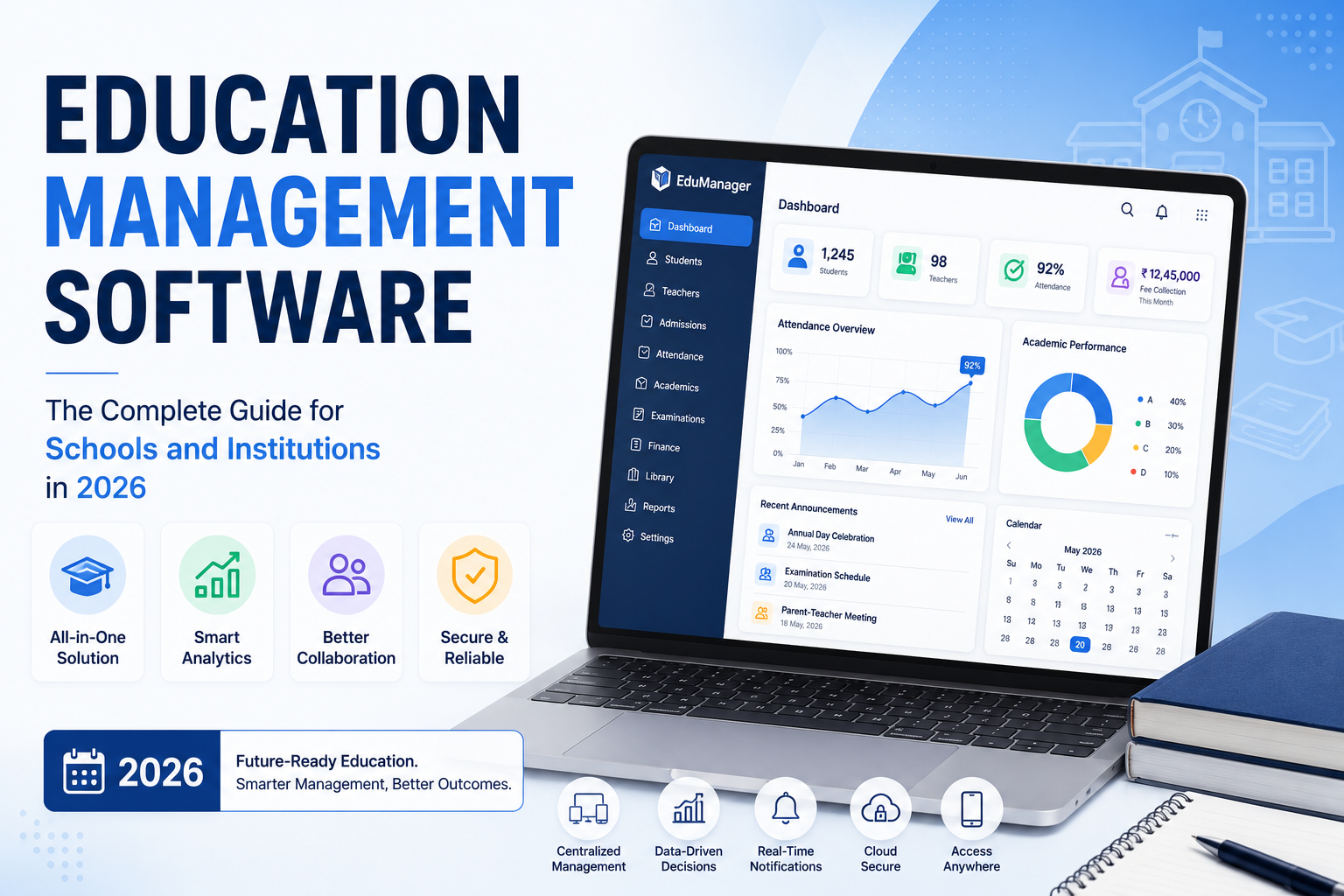
Education management software (EMS) is a digital platform that centralizes the academic, administrative, and financial operations of a school, college, or training organization into one connected system. Instead of tracking attendance in one spreadsheet, fees in another app, and lesson plans in a third, an EMS pulls all of it into a single source of truth that administrators, teachers, students, and parents can access based on their role.
At its core, EMS exists to solve one problem: schools generate an enormous amount of interconnected data enrollment records, grades, attendance, timetables, invoices, communications and manual or disconnected systems make that data slow to access, easy to lose, and hard to act on.
A useful way to think about it: if a school management task involves tracking something over time and sharing it with the right people, an EMS is built to handle it.
EMS vs. SIS vs. LMS vs. ERP vs. ENT: What's the Real Difference?
This is the single most confusing part of shopping for this software, and it's where most buyers get stuck. Vendors use these terms loosely, so here's a clear breakdown.
| System | Primary focus | Typical users | Core question it answers |
|---|---|---|---|
| SIS (Student Information System) | Student records, enrollment, grades, attendance | Registrars, admins | "What is true about this student right now?" |
| LMS (Learning Management System) | Course delivery, assignments, virtual classrooms | Teachers, students | "How is content being taught and assessed?" |
| ERP (Enterprise Resource Planning) | Finance, HR, payroll, inventory | Business office, HR | "How is the institution run as an organization?" |
| ENT (digital workspace, common in EU school systems) | Communication and collaboration | All community members | "How does everyone talk to and share with each other?" |
| EMS (Education Management Software) | All of the above, unified | Everyone, through one platform | "How do all these pieces work together?" |
In practice, most modern EMS platforms are built as a suite of modules a SIS module, an LMS module, a finance module sold together under one login. The value isn't any single module; it's that a change in one place (a student withdraws, a fee is paid, a grade is entered) automatically reflects everywhere else, instead of requiring the same data to be typed into three different systems.
If you're comparing an "EMS" to a "school ERP" or an "education ERP," in most vendor marketing today, these terms describe the same category of product a unified platform just with different emphasis on the financial/operational side (ERP) versus the academic/administrative side (EMS/SIS).
Core Modules of Education Management Software
Not every institution needs every module, but here's what a comprehensive platform typically includes. For a more granular breakdown, our post on 15 essential school management system features walks through each capability in more depth.
Student Information and Admissions
Centralized student profiles covering personal details, academic history, guardian contacts, and enrollment status. Good systems auto-generate registration numbers, track application pipelines from inquiry to enrolled student, and flag incomplete files before they become a problem on the first day of class.
Attendance and Behavior Tracking
Digital attendance replaces paper registers and gives real-time visibility to teachers, parents, and admins simultaneously. The better implementations don't just log presence/absence they surface patterns (a student missing every Monday, a class with unusually high absenteeism) so staff can intervene early rather than reviewing reports at term's end. If you want a step-by-step walkthrough, see how to manage school attendance online.
Timetabling and Academic Scheduling
Automated timetable generation based on courses, teacher availability, room capacity, and term calendars. This sounds like a minor convenience until you've tried to manually reschedule 40 classes because one teacher is out sick automated conflict detection saves real hours here.
Grading, Assessment, and Report Cards
Digital gradebooks, automated report card generation, and increasingly analytics that show grade trends over time rather than a single snapshot. Parents get real-time access instead of waiting for a printed report at the end of term.
Fee and Financial Management
Fee structure setup, automated payment reminders, online payment collection, and reconciled financial reporting. This is usually where schools see the fastest, most measurable ROI, since manual fee chasing consumes enormous administrative time.
HR and Payroll
Staff records, attendance, leave management, and payroll calculation often integrated with biometric or fingerprint attendance systems for accuracy.
Communication Tools
Messaging, SMS/email broadcast, parent portals, and increasingly WhatsApp integration for regions where that's the dominant communication channel. The goal is reducing "I never got that notice" friction between school and home.
Library, Transport, Hostel, and Inventory Management
Secondary but often essential modules for full-service institutions particularly boarding schools, universities with campus housing, and larger K-12 systems managing bus routes and physical assets.
Analytics and Reporting Dashboards
Real-time dashboards that turn raw operational data into decisions attendance trends, fee collection rates, academic performance by cohort. This is the feature that separates a genuinely useful EMS from a glorified filing cabinet.
Why Schools Need Education Management Software
The case for EMS isn't really about technology for its own sake it's about three practical pressures every institution faces:
Administrative load is growing faster than staff capacity. Enrollment, compliance reporting, and communication expectations have all increased, while administrative headcount usually hasn't kept pace. Automating repetitive tasks (fee reminders, attendance logging, report generation) is often the only way to keep up without adding staff.
Parents and students expect real-time access. A parent portal showing attendance, grades, and fee status on demand isn't a luxury feature anymore it's the baseline expectation, similar to online banking or package tracking.
Data errors compound. When the same student data lives in five disconnected spreadsheets, discrepancies are inevitable and they surface at the worst times, like accreditation audits or year-end reporting. A single source of truth eliminates that specific failure mode.
What Does Education Management Software Cost?
Pricing varies enormously by institution size and deployment model, and this is an area competitors rarely address directly, which makes it hard for buyers to budget realistically. As a general orientation:
- Small schools (under 500 students): Often priced per-student or per-month, commonly landing in the low hundreds to low thousands of dollars per month for cloud-hosted plans.
- Mid-size institutions (500–2,000 students): Typically move to tiered or per-user annual licensing, often in the five-figure annual range once you add modules like finance and HR.
- Large institutions, districts, or universities: Enterprise agreements are usually custom-quoted, factor in implementation and training services, and can run into six figures annually, particularly for platforms bundling SIS, LMS, and ERP functions.
- Open-source options (like OpenEducat or Corteza) remove license fees but shift cost into hosting, customization, and in-house technical maintenance.
Always ask vendors directly whether pricing is per-student, per-user, or flat-tier, and whether implementation, training, data migration, and support are included or billed separately these add-ons frequently double the sticker price in year one.
Data Security and Compliance: What to Actually Check
Student data is sensitive by definition, and this is an area worth more scrutiny than most buyers give it. When evaluating a system, confirm:
- Regulatory alignment with the frameworks relevant to your region. In the U.S., that means the Family Educational Rights and Privacy Act (FERPA), which governs how student education records can be accessed and disclosed. In the EU, it means the General Data Protection Regulation (GDPR), which sets requirements for consent, data minimization, and breach notification.
- Role-based access control, so a teacher can't see financial records and a front-office staffer can't edit grades.
- Data hosting location and backup frequency ask specifically where servers are located and how often backups run.
- Encryption in transit and at rest, plus a documented incident-response process if a breach occurs.
- Vendor track record how long they've operated, whether they've had public security incidents, and what their support SLA actually guarantees.
For a closer look at how these requirements play out day to day, see our guide to student records management and legal compliance.
How to Choose the Right Education Management Software: A Practical Checklist
Rather than a generic "consider your needs" list, work through these concrete questions with your shortlist of vendors. Our school administration software buying guide covers this decision process in more detail, and if you're evaluating options specifically for a university or college, our academic management system guide for higher education addresses those specific requirements.
- Does it match your institution type and level? A platform built for K-12 attendance and report cards won't serve a university's course registration and financial aid needs well, and vice versa.
- What's actually included vs. what's an add-on? Get a written module list with pricing, not a verbal "yes, we support that."
- Can it integrate with what you already use? Google Workspace, Microsoft 365, existing payment gateways, biometric hardware ask for specific integration documentation, not a general "we're flexible" answer.
- How is data migrated from your current system? This is where implementations commonly stall. Ask for a migration timeline and who's responsible for cleaning data before the switch.
- What does onboarding and training actually look like? Live training sessions, video libraries, or a one-time PDF the difference matters enormously for adoption.
- What's the support response time in practice? Ask for a documented SLA, not "we're very responsive."
- Can it scale with you? If you're planning to add a campus, grade levels, or double enrollment in three years, confirm the pricing model and technical architecture support that growth without a system migration.
- What do current customers in your specific segment say? A glowing review from a large university doesn't tell you much if you're a 200-student primary school look for references similar to your institution. Our comparison of the 10 best school management systems includes real pricing and honest limitations if you want a starting shortlist.
Implementing Education Management Software: A Realistic Rollout Plan
Buying the software is the easy part. Getting a school community to actually use it well is where most projects succeed or stall. A phased approach works better than an all-at-once switch:
Phase 1 Audit and prioritize. Map your current processes and identify the two or three areas causing the most pain right now (usually attendance or fee collection). Start there rather than trying to launch every module simultaneously.
Phase 2 Pilot with one department or grade level. Run the new system alongside your old process for a defined period, so you can catch data or workflow issues before they affect the whole school.
Phase 3 Train by role, not in bulk. Teachers, admin staff, and parents need different training a single all-hands session rarely gives anyone what they specifically need.
Phase 4 Full rollout with a feedback loop. Set a specific check-in point (30 and 90 days is common) to gather user feedback and fix friction points before they become entrenched workarounds.
Phase 5 Expand modules gradually. Once the core modules are running smoothly, add secondary ones (library, transport, alumni) rather than launching everything at once.
Education Management Software Trends to Watch in 2026
- AI-assisted administration automated timetable generation, AI-based attendance verification, and predictive alerts for students at risk of falling behind are moving from novelty to standard feature across major platforms. See our complete guide to AI ERP for education for a closer look at where this is headed.
- Mobile-first design parent and student engagement increasingly happens through dedicated apps rather than browser portals, particularly for fee payments and attendance notifications.
- Deeper communication integration platforms are building native WhatsApp, SMS, and messaging integrations rather than relying solely on email, reflecting how parents actually communicate.
- Interoperability standards schools are increasingly asking whether a system supports common data standards so it can talk to national reporting systems, e-learning tools, and financial software, rather than becoming a new data silo.
Conclusion
Education management software isn't really a single product category it's a spectrum, from lightweight attendance-and-fees tools for small schools to enterprise suites running entire university systems. The right choice depends less on which platform has the longest feature list and more on how closely it matches your institution's actual scale, technical capacity, and rollout readiness.
Start by mapping your two or three biggest operational pain points, shortlist vendors who solve those specific problems well, and ask for concrete answers on pricing, migration, and support not general reassurances. That approach will get you to a better decision than comparing feature checklists alone.