
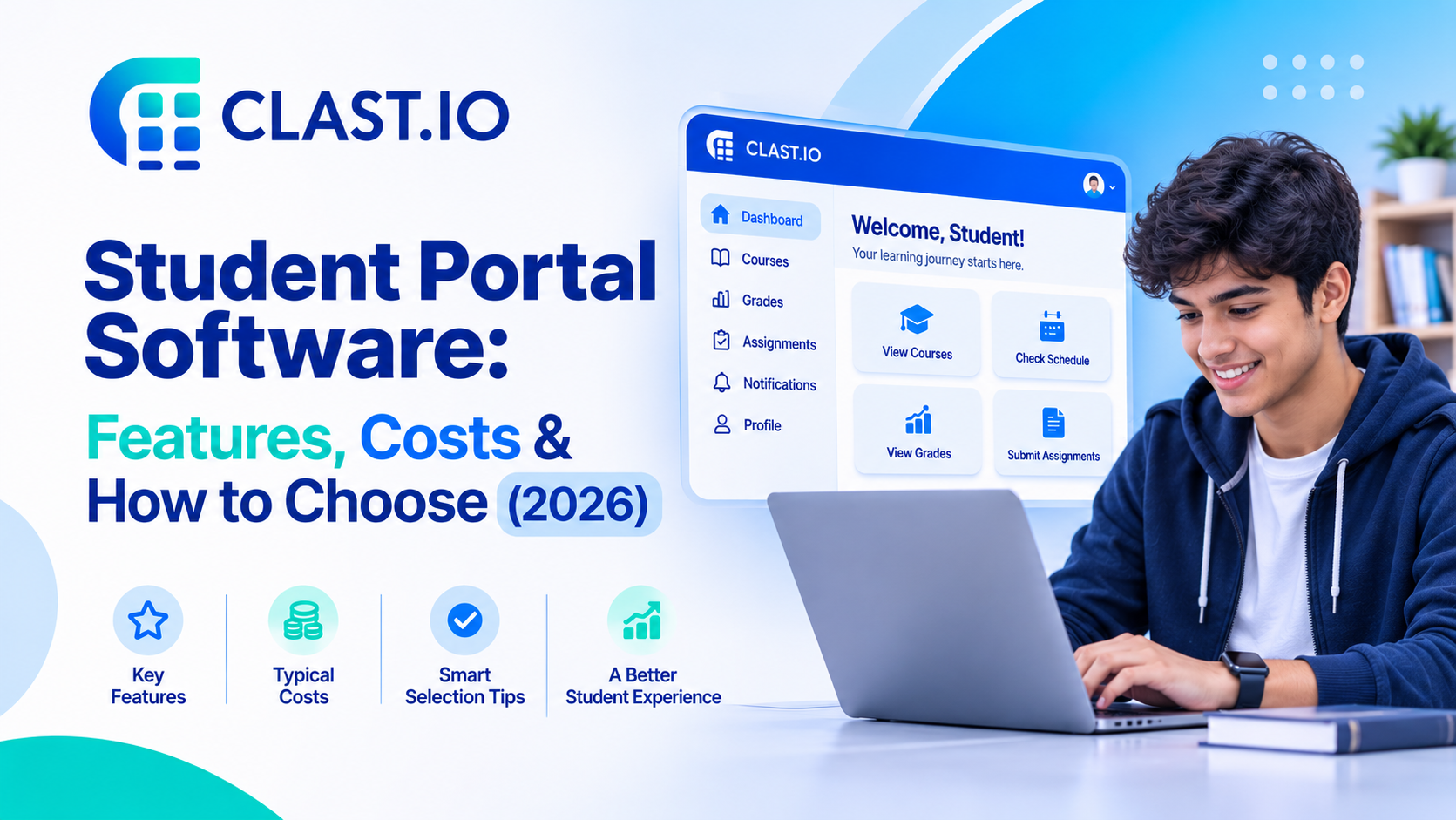
Student portal software is a secure web and mobile platform where students see their own grades, timetable, attendance, assignments, announcements and fee status in one place. It connects to the school's student information system (SIS) or ERP, so what students see always matches the official record, with no paper notices, no chasing teachers and no trips to the office.
If your students still ask the office "Do I have class tomorrow?" or wait for a printed report card to see how they are doing, a student portal fixes that. It also gives teachers and office staff time back, because routine questions answer themselves.
This guide covers what student portal software does, how student portal login works, the features that matter, the main types of portal, security and privacy rules, costs, and how to choose and launch one.
Key takeaways
- A student portal is the student-facing window into your SIS or ERP: grades, timetable, attendance, assignments, notices and fees.
- Choose a portal that connects live to your system of record, works well on phones and protects student data.
- Match access to age: simplified views for primary students, full accounts for secondary and college students.
- Launch with clean data, teacher training and a short pilot before rolling out to everyone.
What Is Student Portal Software?
A student portal is the student-facing layer of your school management system. Teachers enter grades and attendance once in the back office, and the portal shows them to students automatically. A good portal answers a student's daily questions on its own:
- What is my schedule today?
- What is due this week?
- How am I doing in each subject?
- Was I marked absent?
- Do I owe any fees?
How Student Portal Login Works
Most schools create student accounts automatically from the SIS, so students never sign up themselves. A typical student portal login works like this:
- The school creates the account from the enrollment record and issues a username, often the student ID or school email.
- The student signs in for the first time with a temporary password or a single sign-on button, then sets a personal password.
- Role-based permissions load automatically, so the student sees only their own grades, timetable and notices.
- Extra protection, such as two-factor authentication, can apply to older students and staff.
- When a student leaves, the account is deactivated from the SIS.
Single sign-on (SSO) with Google Workspace or Microsoft 365 is the easiest option for most schools, because students use credentials they already have and administrators manage one set of accounts. For younger students, look for QR-code or picture-based login, and keep a clear password-reset process so a forgotten password never stops a student from checking a deadline.
Tip for administrators: publish one student portal login link on your school website and print it on student planners or ID cards, so students and families can always find the right page.
Student Portal vs Parent Portal vs SIS vs LMS
These terms are often mixed up, so here is how they differ.
| System | Who uses it | Main job |
|---|---|---|
| Student portal | Students | Personal view of grades, schedule, tasks and notices |
| Parent portal | Parents and guardians | Monitor a child, pay fees, message teachers |
| SIS | Office staff and administrators | Master record of students, enrollment, grades and attendance |
| LMS | Teachers and students | Course content, quizzes and online learning |
The portal usually sits on top of the SIS and often links to the LMS. For the family side, see our parent portal software guide. For the back-office layer, read our Student Information System guide and SIS vs LMS.
Types of Student Portal Software
Not every student portal is built the same way. The right type depends on whether you already have a system of record and how much technical help you have.
| Type | How it works | Best for | Watch out for |
|---|---|---|---|
| Portal inside an SIS | Built into the student information system | Schools that want one system of record | Portal depth depends on the SIS |
| Portal inside a school ERP | A module of an ERP that also covers admissions, fees and HR | Schools and colleges that want everything in one system | Larger setup, so check that the modules fit your needs |
| LMS-based portal | Student view inside a learning platform | Schools focused on online courses | Often weak on fees, attendance and official records |
| Standalone or custom portal | Separate product linked through integrations | Institutions keeping a legacy system | Integration cost and data-sync errors |
| Open-source portal | Free software that you host and support yourself | Schools with technical staff and tight budgets | Hosting, security and support are your responsibility |
Most schools get the best results from a portal that is part of their SIS or ERP. To understand the foundation underneath, read our guides to the cloud-based student information system, the school information system and the student management system.
Core Features to Look For
1. Personal dashboard
A single home screen showing today's timetable, upcoming deadlines, new grades and notices.
2. Grades and progress
Marks by subject, term results, trends over time and downloadable report cards.
3. Timetable and calendar
Daily and weekly views, room changes and exam dates. Pair this with school scheduling software so changes appear instantly.
4. Attendance
A history of absences and lates, with online leave requests. See how this works behind the scenes in our guide on how to manage school attendance online.
5. Assignments and resources
Due dates, submission status, teacher feedback and downloadable materials. If you need full course delivery, add an LMS (see the best LMS for academies and higher education).
6. Fees and payments
Balances, invoices and receipts, especially useful in colleges where students pay themselves. Learn more in our guide to school fee management software.
7. Notifications and messaging
Push, email or SMS alerts for new grades, schedule changes and deadlines.
8. Documents and requests
Certificates, transcripts, ID cards and enrollment letters, requested online instead of at the office counter.
9. Security controls
Role-based access, strong passwords or single sign-on, and audit logs.
10. Language and accessibility
Multi-language support, right-to-left layouts and screen-reader compatibility, so every student can use the portal.
A Day in the Life: How Students Use a Student Portal
This illustrative example shows what a secondary student might do with a portal on an ordinary school day:
- Before school: checks the timetable on their phone and sees a room change for first period.
- Mid-morning: gets a notification that a quiz grade has been posted and reads the teacher's feedback.
- Lunch break: downloads a worksheet and checks the due date for a project.
- Afternoon: requests a letter confirming enrollment instead of queuing at the office.
- Evening: reviews what is due tomorrow and checks attendance history before a parent-teacher meeting.
AI Features in Modern Student Portals
Some vendors now add AI to the portal. Useful examples include:
- Plain-language summaries of upcoming deadlines and changes.
- A chat assistant that answers timetable and policy questions from school data.
- Early alerts when attendance or grades start to drop.
- Automatic translation of notices for multilingual communities.
Treat AI as an add-on, not a reason to buy. Ask where student data is processed, whether it is used to train models and whether staff can switch the feature off. Our guide to AI ERP for education goes deeper.
Benefits by Role
- Students: self-service access builds responsibility and ends the "I didn't know" problem.
- Teachers: fewer routine questions, because grades and deadlines are visible to everyone.
- Office staff: fewer walk-ins and phone calls about schedules, results and certificates.
- Leaders: one source of truth, consistent communication and better data. This is a big reason schools move to a complete school management system.
What Each Type of School Needs
- Primary schools: students under about 11 rarely need their own login. A simplified, read-only view with parent control is usually best.
- Secondary schools: full student accounts with grades, timetable, homework and messages. This is where portals have the biggest impact.
- Colleges and universities: course registration, transcripts, fees, advisor messaging and document requests. See our guide to ERP for colleges and universities.
- Academies and training centers: course access, certificates and payment history.
Security and Privacy
A student portal holds personal, academic and sometimes financial data about minors, so ask every vendor about:
- Role-based access: students see only their own record, and teachers see only their classes.
- Authentication: SSO with Google or Microsoft, or strong passwords with lockout rules.
- Encryption: in transit and at rest.
- Audit logs: who viewed or changed what, and when.
- Data location and rules: where data is stored and how it meets local law. In the United States, see the U.S. Department of Education's Protecting Student Privacy resources on FERPA. In Europe, see the European Commission's guidance on safeguards for children's data under the GDPR. Other countries have their own national data protection laws.
- Account lifecycle: automatic deactivation when a student leaves.
- Safe messaging: moderated or restricted student-to-student chat for younger ages.
Accessibility
A portal that some students cannot use is not doing its job. Ask whether the product follows the W3C's Web Content Accessibility Guidelines (WCAG), and check screen-reader support, keyboard navigation, readable text sizes and good colour contrast.
How to Choose Student Portal Software
Score each vendor against clear criteria rather than relying on ranked lists.
| Criteria | What to check |
|---|---|
| Integration | Does it read live from your SIS/ERP, or need manual uploads? |
| Mobile experience | Real app or responsive web? Does it work on slow connections? |
| Customization | Can you control which modules students see by grade level? |
| Security | Role-based access, audit logs, data residency |
| Languages | The languages your students actually use |
| Support and training | Onboarding, staff training, response times |
| Pricing clarity | Per student, per module, setup and support fees |
| Exit options | Can you export all your data if you leave? |
Questions to Ask in a Demo
- Show me what a Grade 7 student sees versus a Grade 12 student.
- What happens in the portal when a teacher corrects a grade?
- How is a student account created and removed?
- What happens if the internet connection drops?
- Can I export every record, and in what format?
If you are comparing full systems, our guides on how to choose a school management system and the best school management software can help.
Examples of Student Portal Platforms by School Segment
The market splits roughly by school size and budget. The examples below are for orientation only, not a ranking, so always run your own demos.
| Segment | Examples | Typical focus |
|---|---|---|
| Large public districts | PowerSchool, Infinite Campus, Skyward | Scale, state reporting and deep SIS integration |
| Private, charter and small-to-mid-size schools | Gradelink, Alma, FACTS | Ease of use, with billing and enrollment in one login |
| Budget-conscious teams with technical staff | openSIS, Gibbon | Open-source, self-managed software |
| Schools, colleges and academies wanting one ERP | Clast.io | Admissions, attendance, grading, fees and portals in one system |
For a wider look at what schools actually run, see What Software Do Most Schools Use?
How to Roll Out a Student Portal
- Clean your data first. Portal accuracy depends on accurate student records (see student records management).
- Define what students can see. Decide on grade visibility, fee visibility and messaging rules.
- Set up accounts and roles by class and grade level.
- Train teachers first. A portal is only useful if grades and attendance are entered on time.
- Pilot with one grade or department for two to four weeks.
- Launch with a short student guide, such as a one-page how-to or a two-minute video.
- Review usage monthly: logins, support questions and student feedback.
For a full plan, see our school management system implementation guide.
Common Mistakes to Avoid
- Buying a standalone portal that doesn't connect to your SIS, so staff enter data twice.
- Giving all students the same access regardless of age.
- Launching without teacher training.
- Ignoring mobile, when most students will use a phone.
- Skipping a data privacy review.
What Does Student Portal Software Cost?
Pricing varies widely by vendor, region and school size, so get quotes rather than trusting published averages. Common models are:
- Per student, per month or year: the most common model.
- Per module: the portal is an add-on to the SIS or ERP.
- Flat institutional license: often for larger schools or districts.
Ask about setup, data migration, training, mobile app and support fees. In most cases a portal included in an integrated system costs less than a separate tool plus integration work. See our guides to cloud-based school ERP and school ERP modules.
How to Measure Whether Your Portal Is Working
Set a baseline before launch so you can show the improvement afterwards. Track:
- Activation rate: the share of students who have logged in at least once.
- Weekly active users: how many students use the portal in a normal week.
- Office inquiries: calls and walk-ins about grades, schedules and certificates, before and after launch.
- Data timeliness: how long it takes for a grade or absence to appear after a teacher enters it. Faster follow-up is covered in our guide to attendance automation for schools.
- Satisfaction: a short survey for students and teachers each term.
How Clast.io Fits
Clast.io is an education ERP that brings admissions, attendance, grading, fees and communication into one system, with student and parent access built on the same live data. That means students see current information without anyone syncing spreadsheets. To compare options, read our guide to the best student information system software or our overview of ERP software for schools.
Conclusion
A student portal turns your school's records into something students can use every day. Choose software that integrates with your SIS, protects student data, works well on phones and fits each age group. Then roll it out with teacher training and a pilot.
Ready to see it in action? Book a Clast.io demo and see the student view for yourself.